Payment Gateway
Payment Gateway Topics
Overview
The Payment Gateway allows you to make payments in three ways:
-
Recording a Payment – means a payment has been made outside of the system e.g. Cash Payment, BACS transfer, Cheque, Gift Voucher etc
-
Processing a Payment – means that a real time payment will be processed using the Card details stored in the PMS
-
Request a Payment – hoteliers can also request cards and payments for bookings by sending an SMS / Email link
Paying via Availability Page (staff)
When staff members are using the Booking Engine to make bookings in the system, depending on your site’s individual settings the automated deposit may not be required at the Point of Sale. A booking will simply be created and the card details attached to the booking.
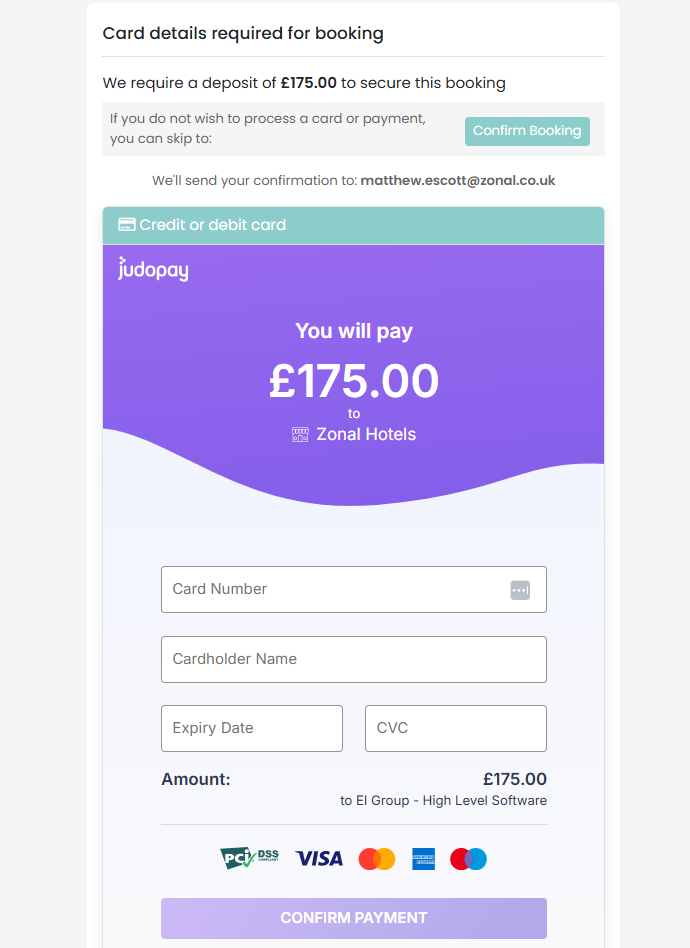
Paying via Availability Page (guests)
The Booking journey is similar for a guest , however there are more mandatory fields to complete, they also do not have an option to make a booking without valid card details.
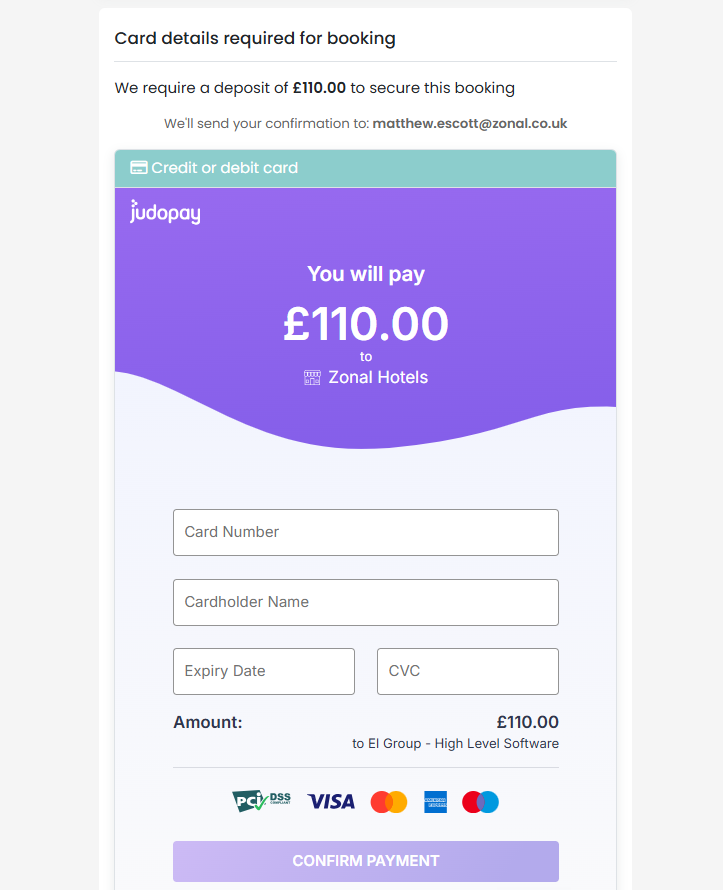
Once your Guest submits their card details they will be taken prompted to verify their Password or sent a Banking App Push notification depending on who they bank with (3D Secure Challenge or 3DS2).
Example of how this may look for your guest:
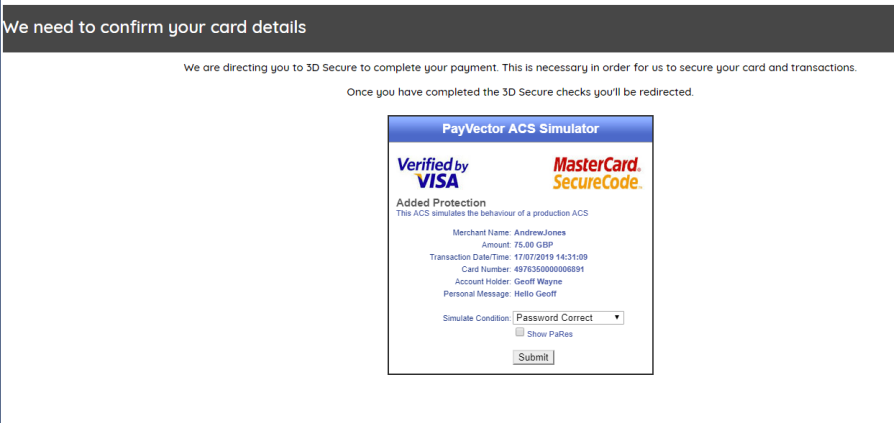
Providing they have completed the correct password / action the Guest will be taken to the following screen:
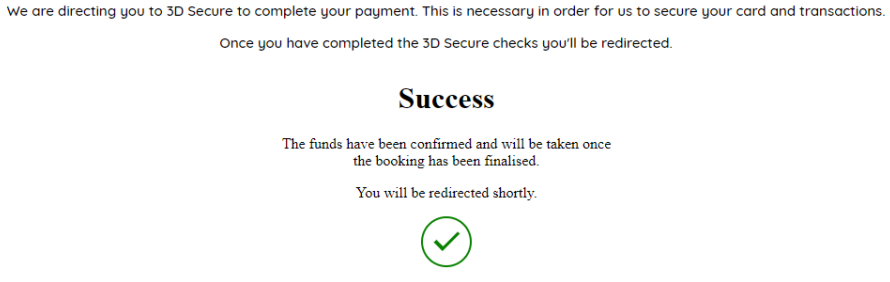
Finally your Guest will move to the confirmation page which will break down, for your guests, the booking and all payments made (if any at this stage).
If your Guests cannot complete the Card verification process for any reason, they will receive a message similar to the example below:
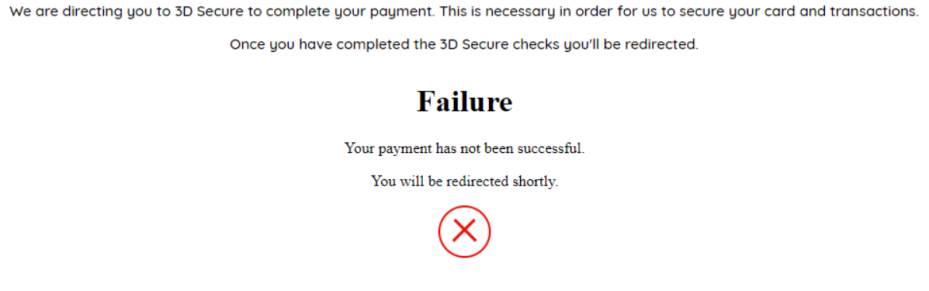
Recording Payments and Refunds
A Payment record is made by clicking the Add Payment button found on the booking page.
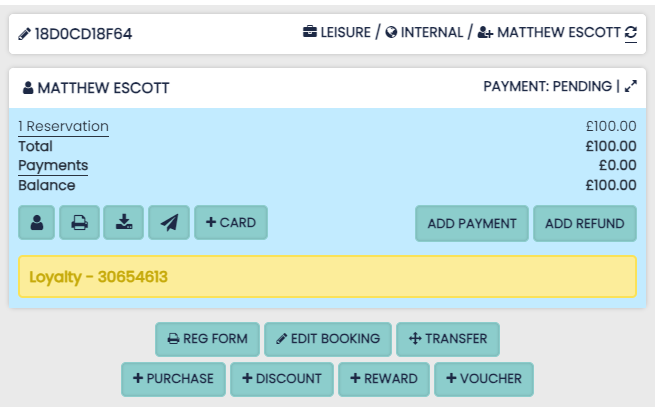
An option will then be displayed to make either Payment Record, Process a Payment or send a payment link. In this isntance click on Record Payment:
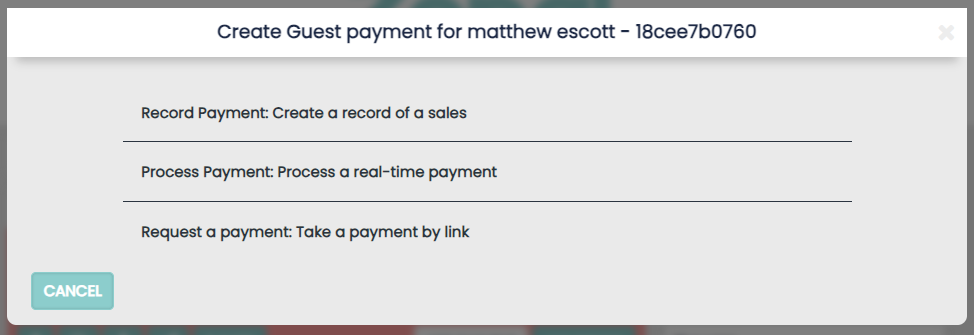
A Lightbox will then allow you to record a payment:
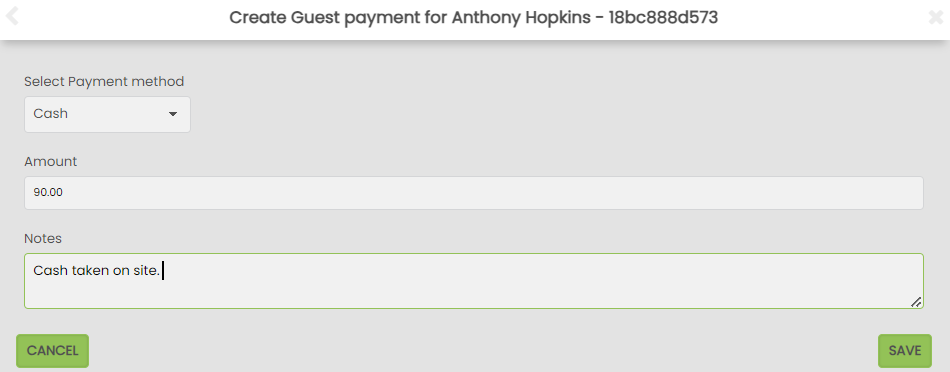
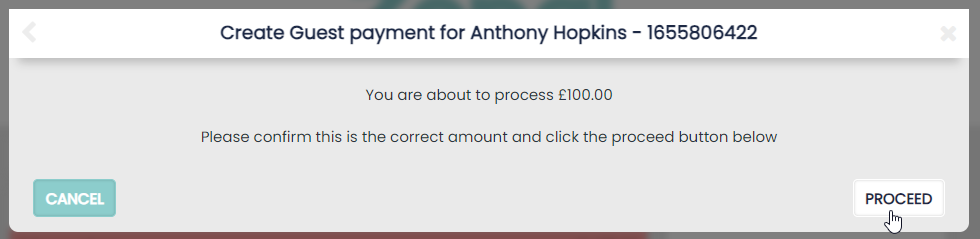
Your new payment will be recorded on the booking when Proceed is clicked.
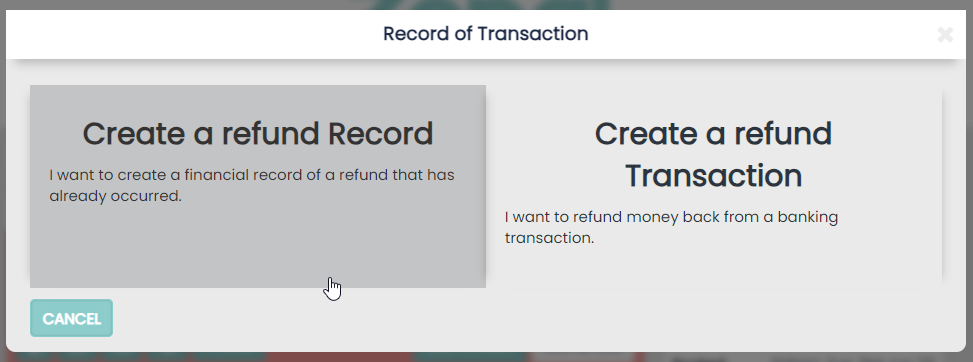
To record a refund the process is the same, select to create a Refund Record.
Processing Payments and Refunds
‘Processing a Payment’ is made by clicking the ‘Add Payment’ button found on the booking page. Processing a payment allows you to use the Guests card details to create a real-time transaction via the Payment Gateway.
Click on ‘Add Payment’ and then select Process a real-time payment
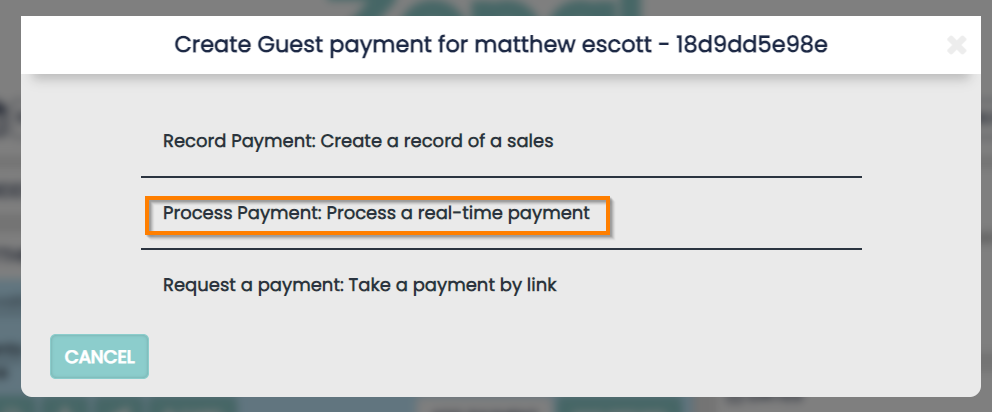
A Lightbox will then allow you to select the card and enter the amount.
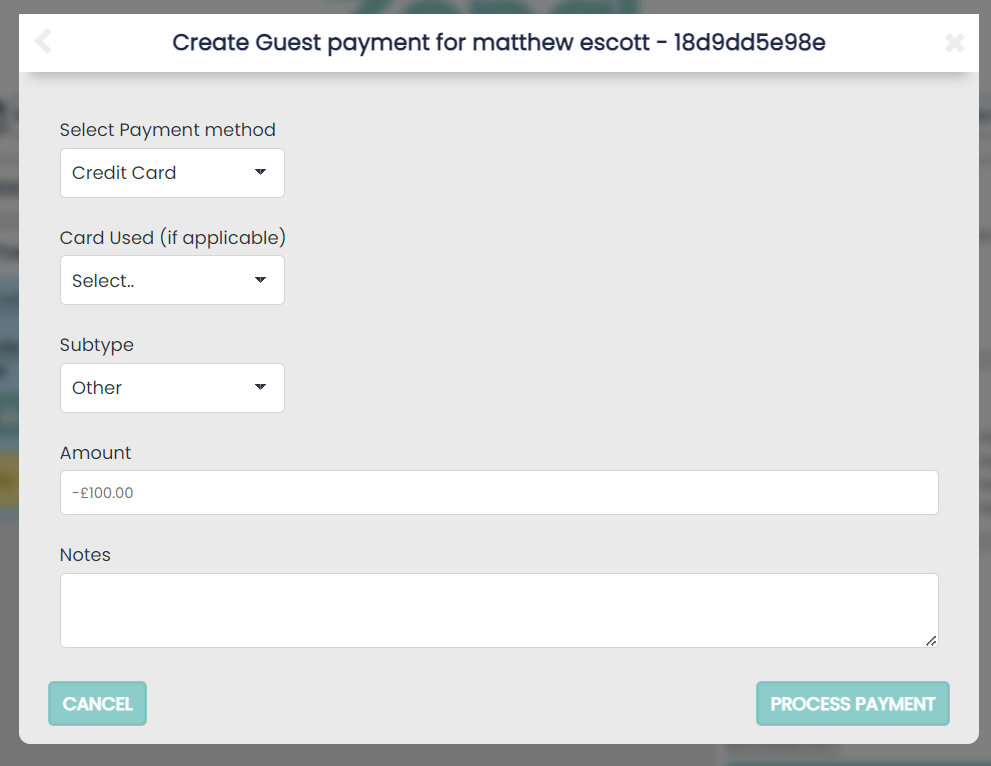
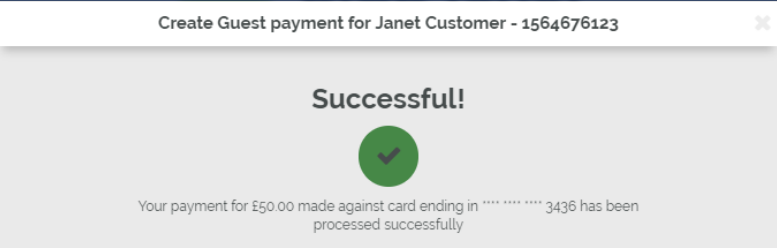
Select ‘Process Payment’ and your payment will be processed and the Guests bank account will be debited.
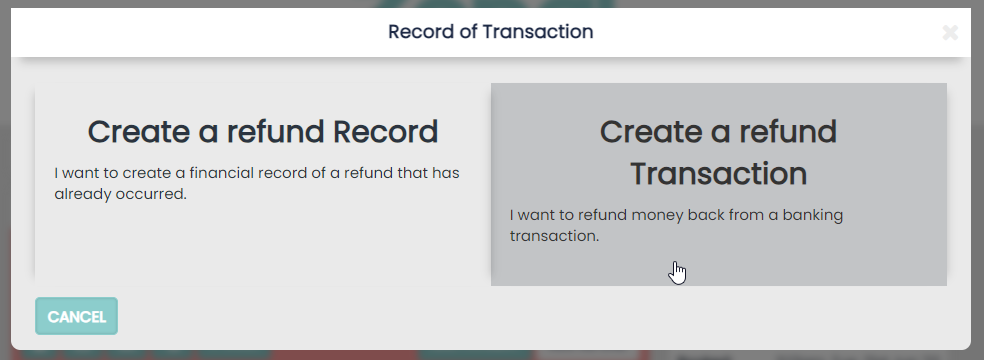
To process a real time refund to the Guests bank account, select ‘Add Refund’ on the Booking and then select ‘Create a refund Transaction’.
Taking Payments on the Profile Page
Each Guest Profile saved in the PMS shows a full booking and payment history but also allows you to make multiple payments on multiple bookings if required.
Clicking on the ‘Create Payment’ button on the Guest profile will allow multiple payments on any of the guest’s bookings to be made in one transaction
On this page is the ability to add a Credit Card to the profile. This can be assigned to multiple bookings in the process. You can also use the Pay-By-Link function to request cards details or request a payment.
Recording Payments, Payments made externally from HLS e.g PDQ machine:
-
You can select multiple bookings and process them as one payment. This will allow you to select any card details you have saved to the profile
-
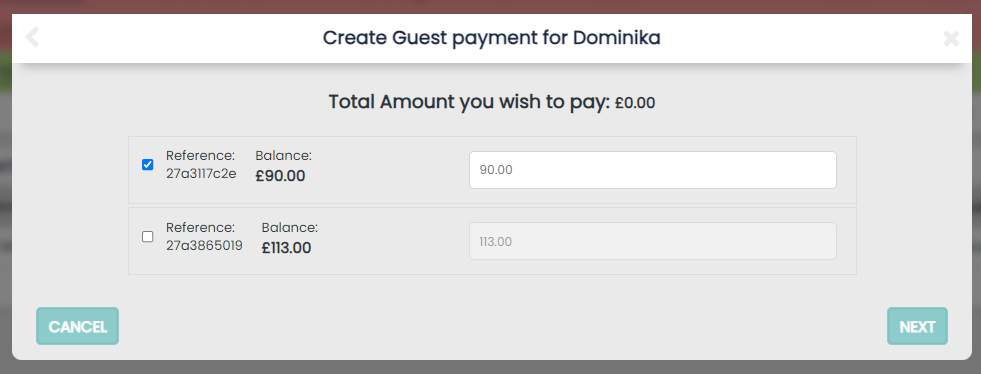
You do not have to pay all of the outstanding balance on each booking selected but each payment can be entered per booking (displayed below)
Processing Payments as above:
-
You can select multiple bookings and process them as one payment. This will allow you to select any card details you have saved to the profile
-
You do not have to pay all of the outstanding balance on each booking selected but each payment can be entered per booking (shown below)
Processing Payments will use the Payment Gateway to create real time transactions
-
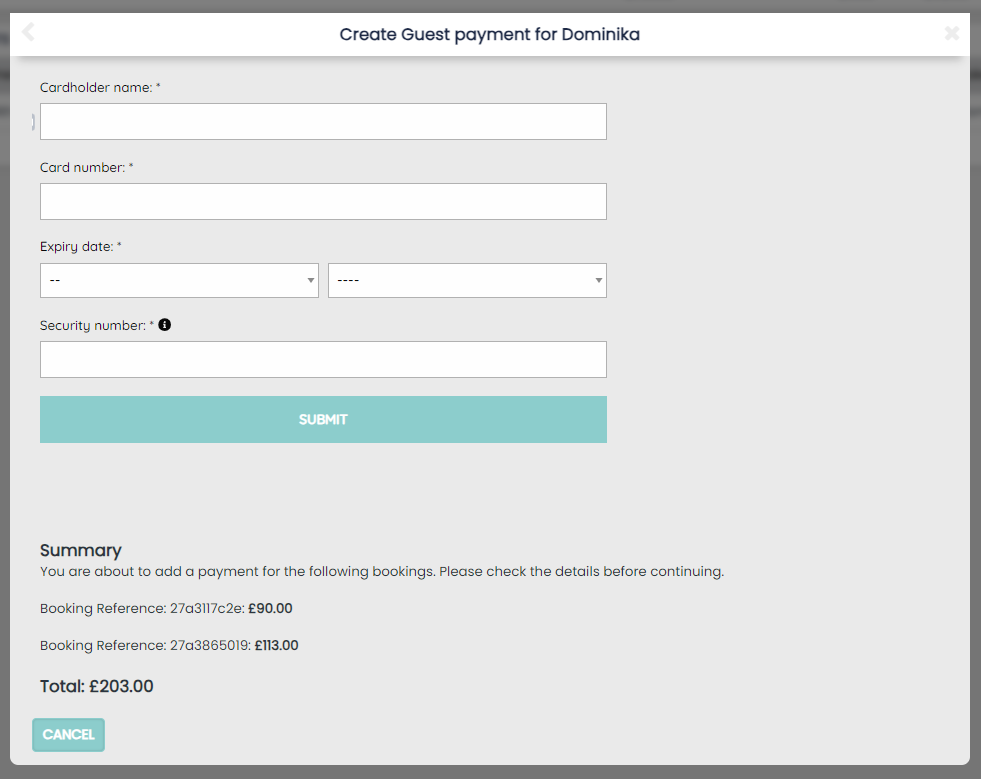
Due to restrictions on card details assigned to each booking, card details will need to be entered afresh to process this payment
-
You can still select multiple bookings to make payments on and select individual payment amounts for each booking but any card details stored on the profile cannot be processed
-
If multiple bookings are having payments made, it is important to realise that multiple individual payment requests will be made to the card unlike the single payment made if a payment is made externally
When you process via the Guest profile the final step will take you to a page to add the guests cards details (if not using a card already saved on the profile):