Today
The Today tab in Events allows you to adjust capacity settings for the current day only. Any changes made here will not affect future dates. When you save your updates, the system creates a special day template stamped with the date and time of the change, providing an audit trail for reference.
Today Topics
Editing Today
When viewing the Today tab, you are first presented with the Overview. If you are using Bookable Areas, you will be required to select the individual areas should you want to make changes to specific values/ fields.
In this example, we will be using Bookable Areas. The same logic applies should you not have Bookable Areas enabled:
-
Select the Area
In this example, we will be using the "Default"
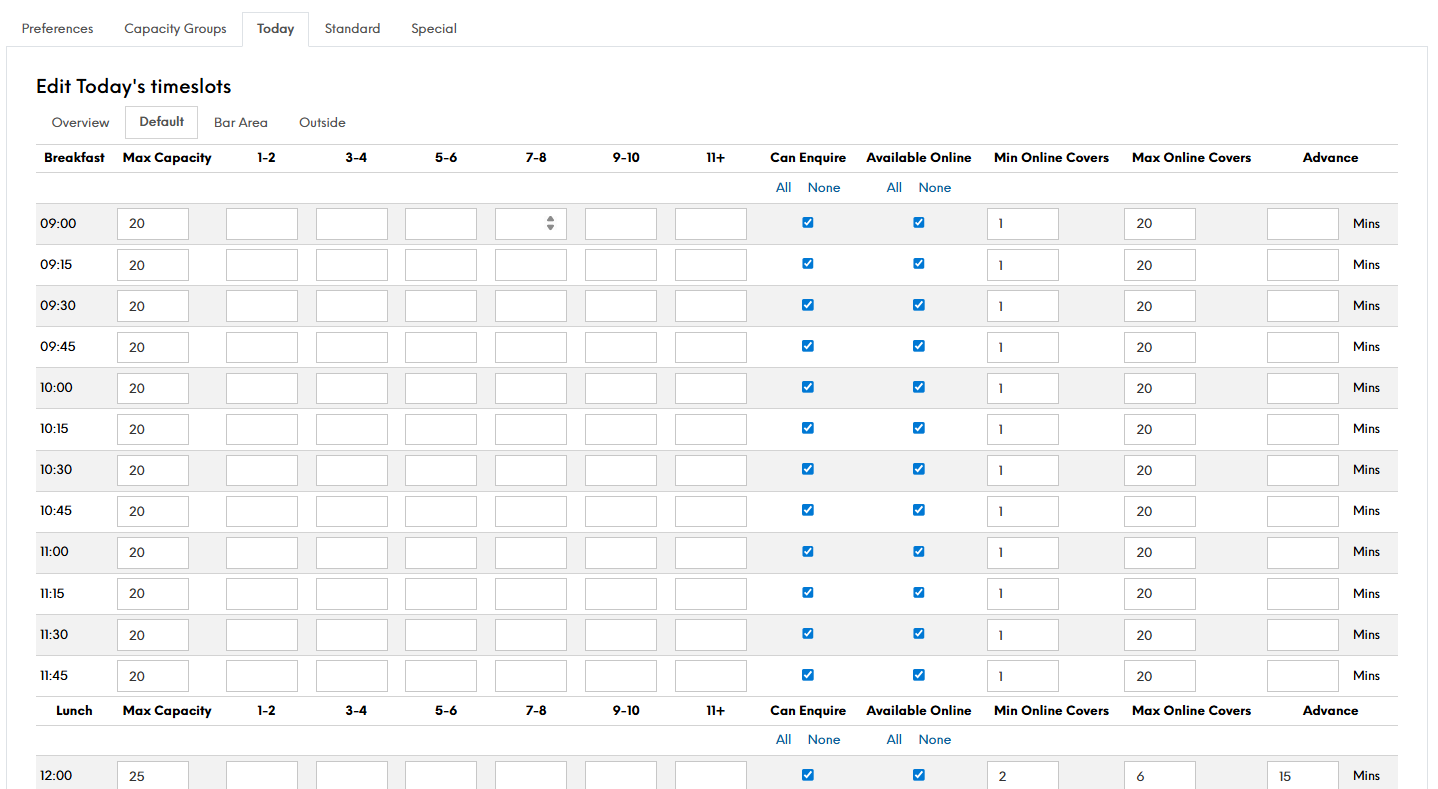
-
Make the required amendments to your template
At this stage, if you have made changes that you no longer require, you can select the Reset option at the bottom of the page. This will reset back to the original days template or to your last time you saved -
Click Save Changes