VAT Settings
VAT will first need to be set in the system for all of the Sales generated within the System.
VAT Settings Topics
Initial Setup
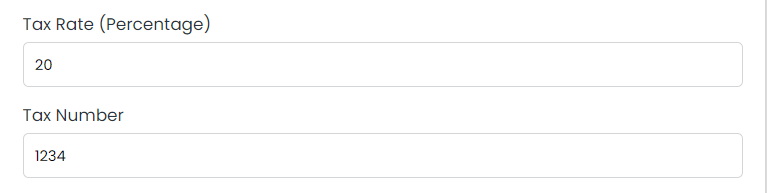
On the Settings page you will see 2 fields, half way down the page. The first will accept a Percentage value and the second will allow a tax number to be entered.
The tax rate will break down all of your Sales on the invoices generated for every Booking.
The Tax Number needs to be entered, this will be a 9 digit number. It will be displayed in the footer section of the invoices generated for every Booking.
By default all of your revenue categories will pull the VAT from the settings page. If you would like to set up a non VAT category ie. service charge / gratuities contact support.
Setting VAT for each Product
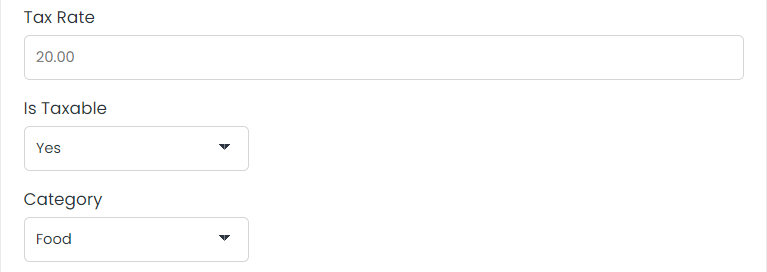
Each Product that you set up in the hotel holds a VAT setting.
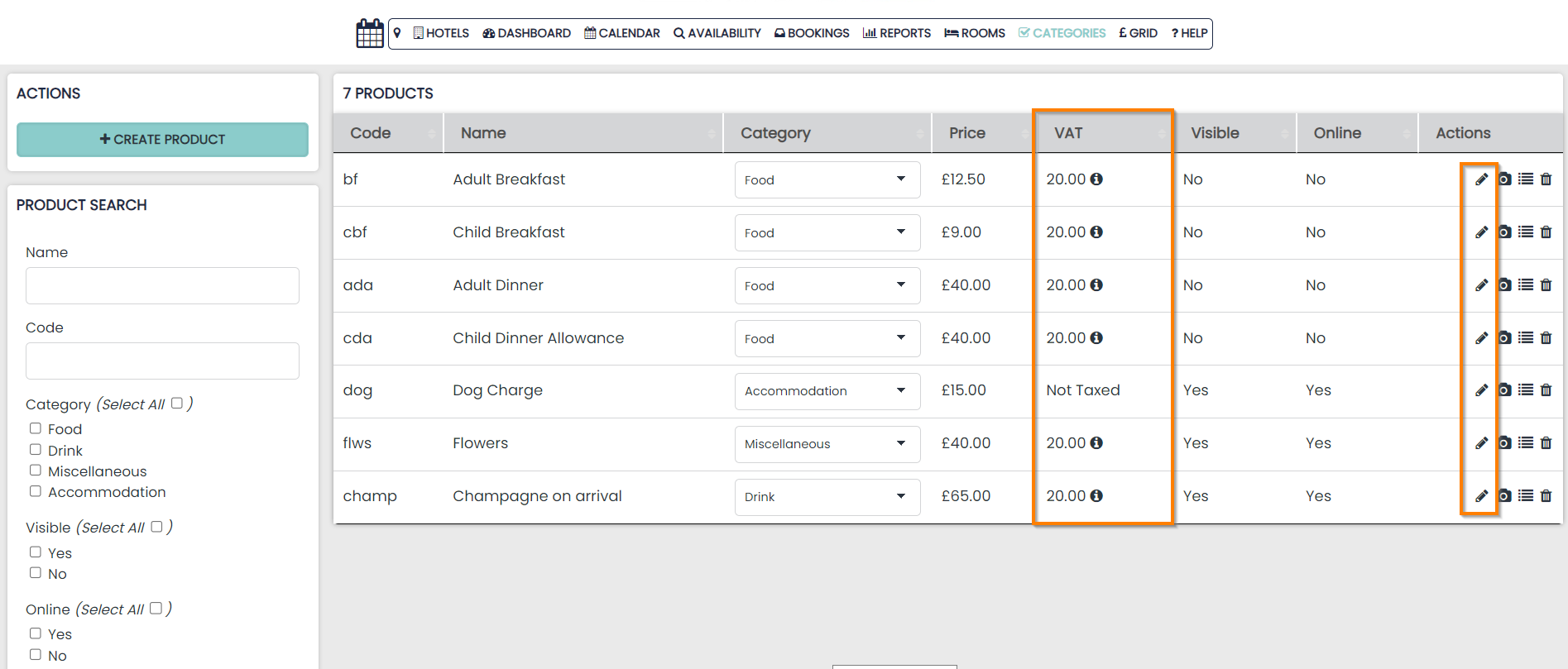
These are displayed on the Overview page for your Products.
It can be edited at any point by clicking the edit pencil found in the Actions column.
If no Tax Rate is entered, the product will pull the VAT from the category settings.
Any products previously created and not assigned will be auto-assigned to the miscellaneous category.