Overview
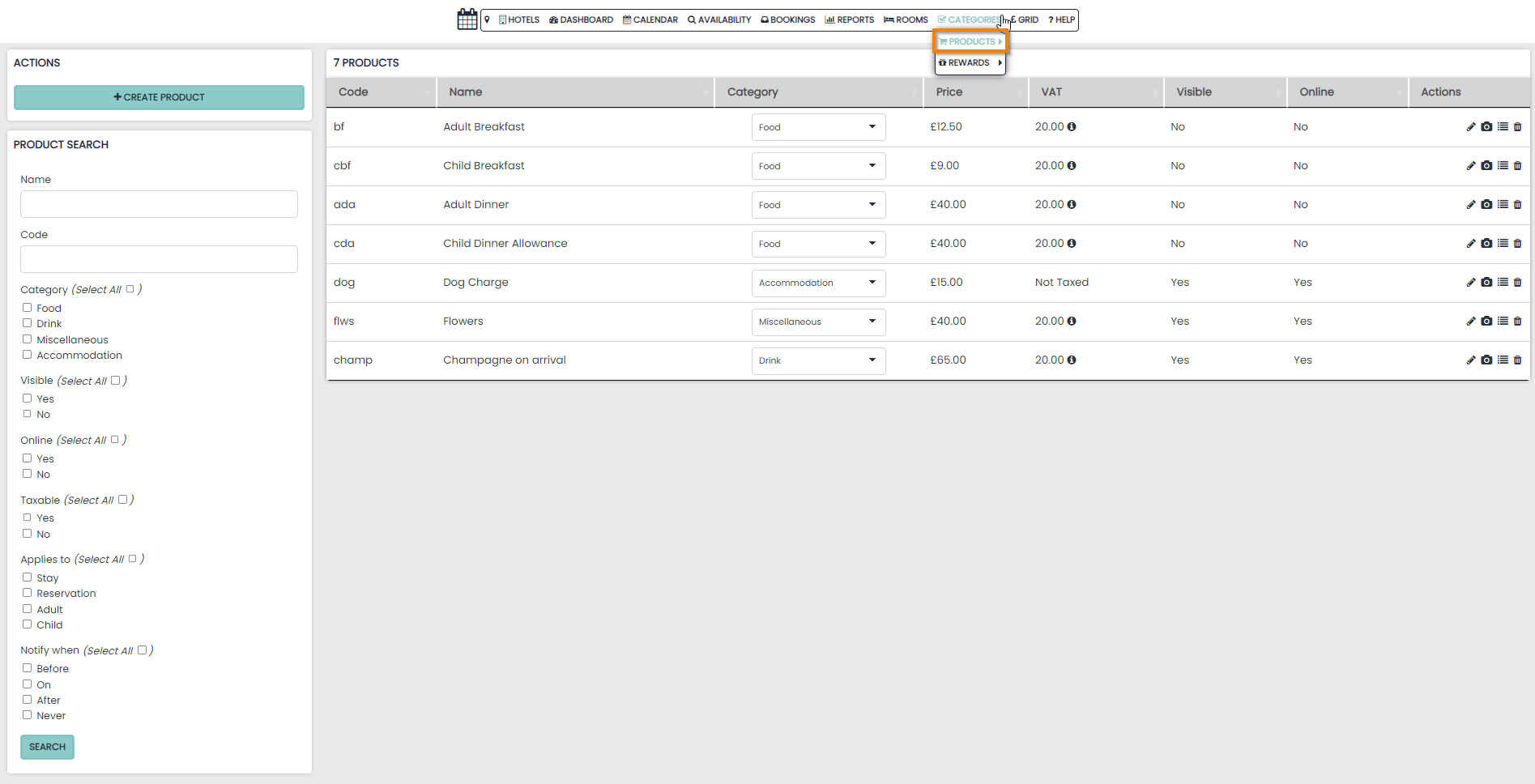
The Products section is found in the Categories drop down menu on the Navigation bar and will allow you to create and manage all Products in the system.
A Product is a sale item that is separate from the Accommodation cost of booking a room.
In the PMS you can create Products for the below reasons:
- To be upsold on your Booking Engine (via your website)
- To be added to Rate Plan or Package
- To easily choose from a list of frequently sold items
Creating a Product
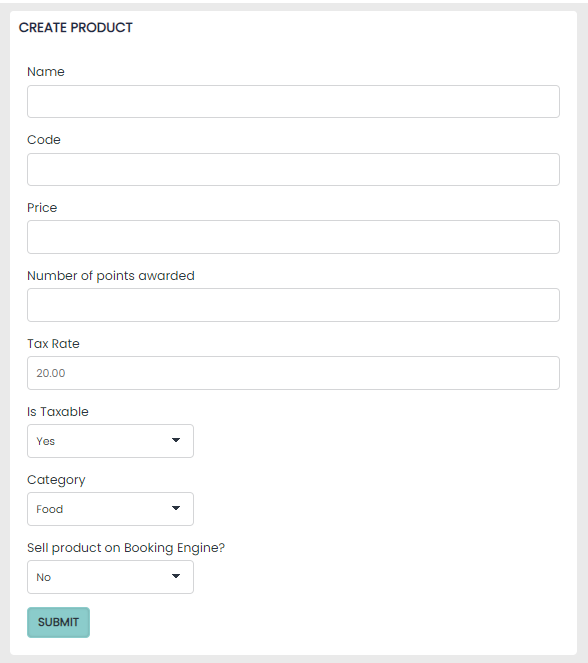
New products are created on by selecting the Create Product button on the left hand side and simply require:
-
Name
-
Code
-
Price
Edit a Product
Use the Actions column to make changes or update your Products:
- Edit Pencil
- Add Image
- Drag to Sort (re-order)
- Delete
Edit Revenue Category
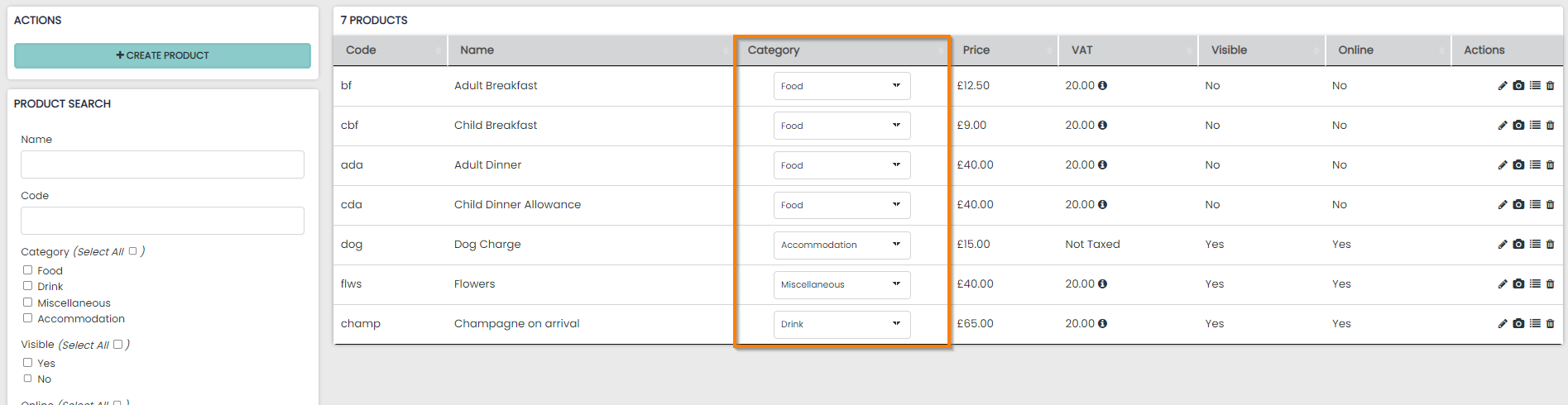
The Category column will display the revenue category that has been assigned to the Product. All Products must be assigned to a Category when created.
The Category can be edited on-the-fly from this column using the drop down menu.