White Label App - Wallet Buttons
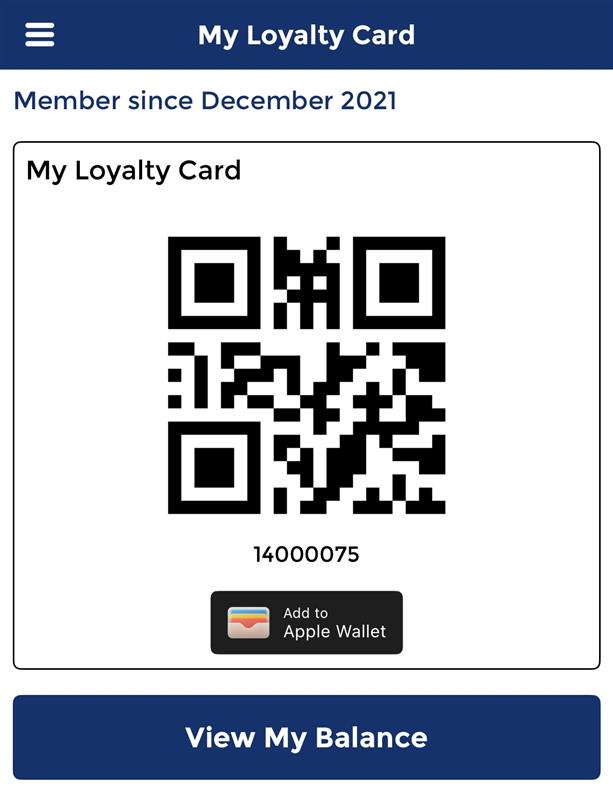
If your organisation is using the White Label App the 'Add to Wallet buttons' can be enabled and displayed within the loyalty section of the app, this page describes the process for configuration in iOrder Platform.
White Label App - Wallet Buttons Topics
Navigate to iOrder Platform → App Manager → Configure → App Theme
Enabling Add to Wallet Buttons
Follow these steps to add wallet buttons:
-
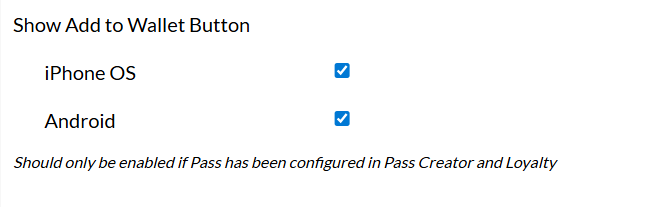
Expand the Loyalty Card section
-
Set the check boxes for Show Add to Wallet Buttons to be enabled
-
Click Save Changes
When viewing the loyalty card screen in White Label App button will now be displayed