Pass Templates
Pass Creator is a powerful tool that allows you to easily design customised pass templates for your guests. This page will take you through the steps needed to use the generator and create your own loyalty card template.
Pass Templates Topics
Requirements
You must have the correct permissions (granted via Platform Services) to access Pass Creator. To be able to save a template you also need to include relevant Apple and Google credentials and you will need active Apple / Google developer accounts in order to generate these.
Template Setup
Create New Template
Follow these steps to create a template:
-
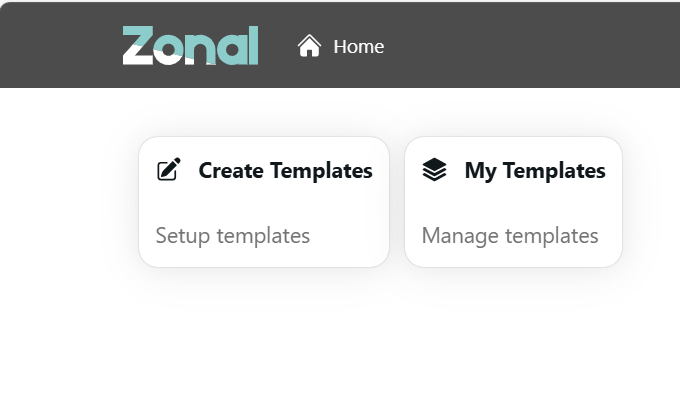
Click Create Template
-
Select the correct Company
-
Select the Pass Type
Only Loyalty should be available for selectionThe template creator is now ready to use
Customise Template
Within the template creator the following fields can be customised for your organisations requirements.
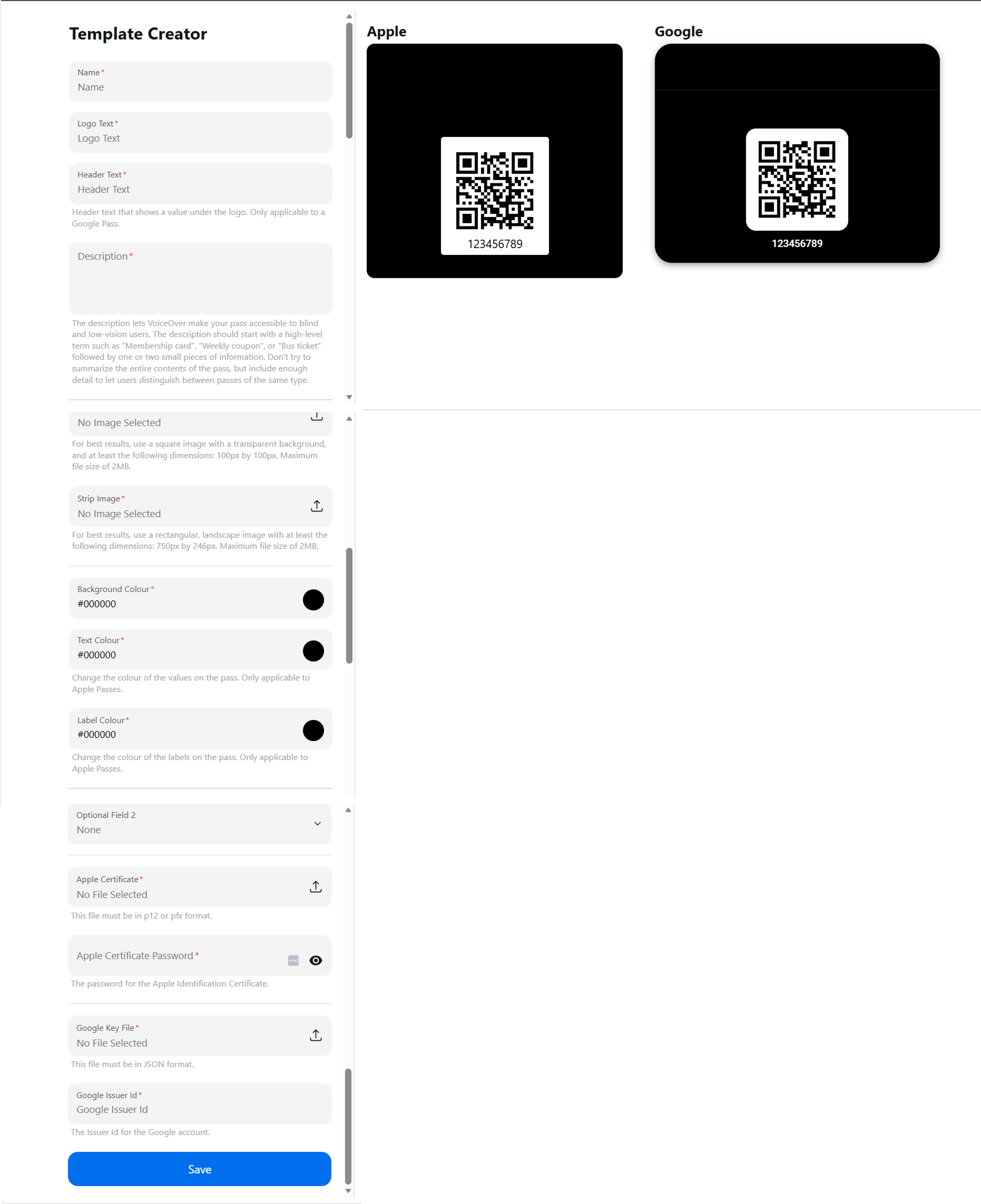
The following table outlines each field and its corresponding functionality.
| Field | Description | Additional Information |
|---|---|---|
| Name |
This is the name you give your template |
This name is used for internal reference only |
| Logo Text |
This should be the name of your company |
Example: Jordan’s Bar & Grill |
| Header Text |
This should be the name of the reward offering |
Example: Food Rewards |
| Description |
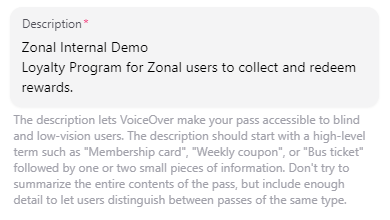
The description lets Apple VoiceOver make passes accessible to visually impaired users |
Begin the description with your program name on the first line, followed by your chosen description on the second line
|
| Logo Image |
Upload an image for use on the pass |
For best results:
|
| Strip Image |
Upload an image for use on the pass |
For best results:
|
| Background Colour |
Background colour displayed on the pass |
Background colour changes the entire display on the pass |
| Text Colour |
Text colour displayed on the pass |
This is only applicable to Apple Passes |
| Label Colour | Display headers colour displayed on the pass | This is only applicable to Apple Passes |
| Optional Field 1 |
Options that can be selected:
|
If customer name is chosen, the name of the customer appears on the end users’ interface, if program name is chosen, the name of the program as set up in loyalty is chosen |
| Optional Field 2 |
Options that can be selected:
|
If customer name is chosen, the name of the customer appears on the end users’ interface, if program name is chosen, the name of the program as set up in loyalty is chosen |
| Apple Certificate |
Apple Certificated Generated |
For more information on this click here |
| Google Key File |
Google Key File Generated |
For more information on this click here |
Accessing Saved Templates
After creating and saving a template, you can proceed to My Templates to access the already generated template and make changes as needed.