Using Run Sheets
You can generate and print detailed run sheets for each booking. Run sheets provide a clear summary of all key information, ensuring nothing is missed on the day. The aim of this feature is to allow you to generate and print a ‘run sheet’ for an event / booking.
Using Run Sheets Topics
Generating a Run Sheet
-
Select the Booking
-
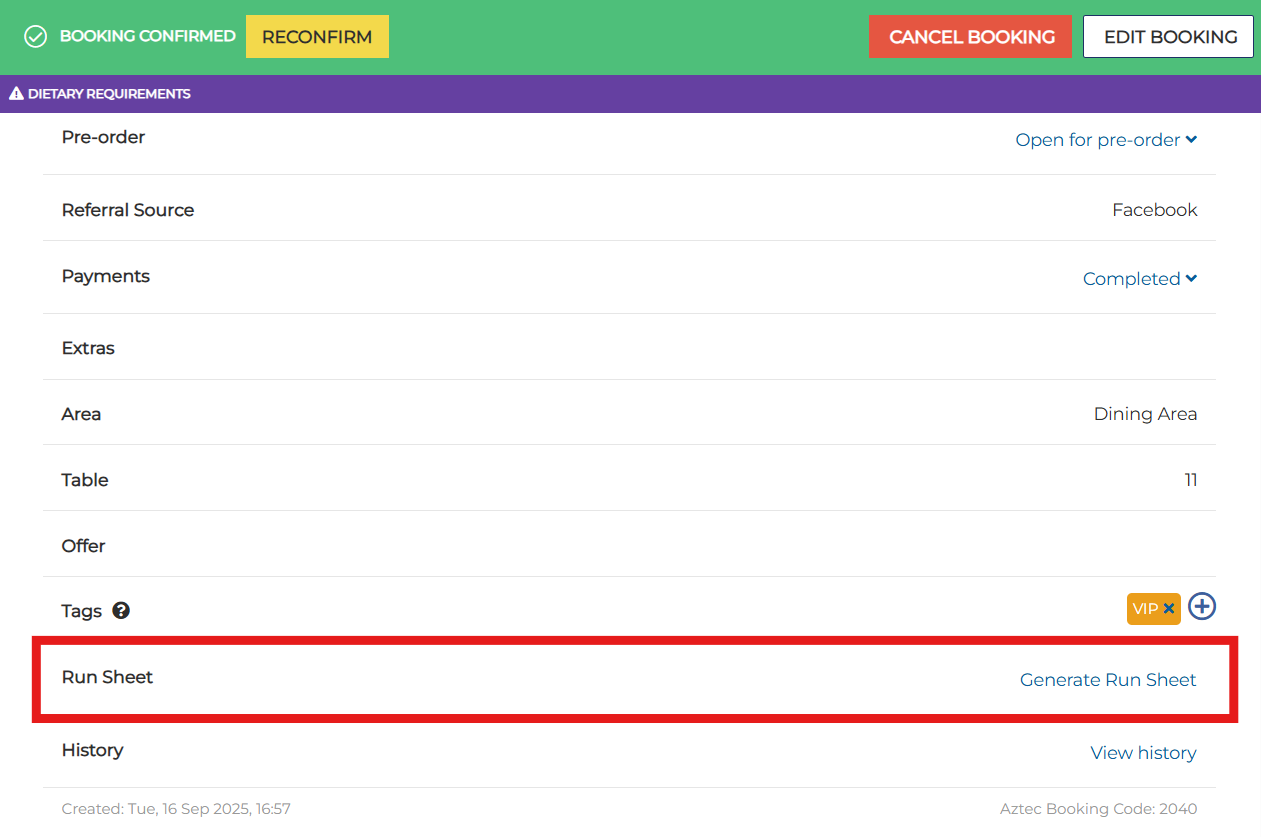
Scroll down to Run Sheet | click Generate Run Sheet
-
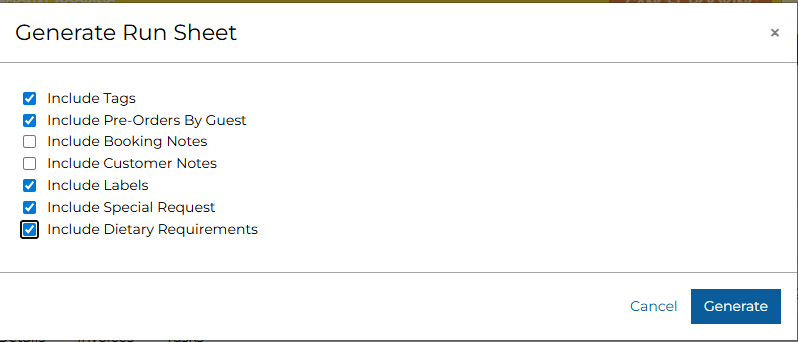
Select the required information from the list of filters and click Generate
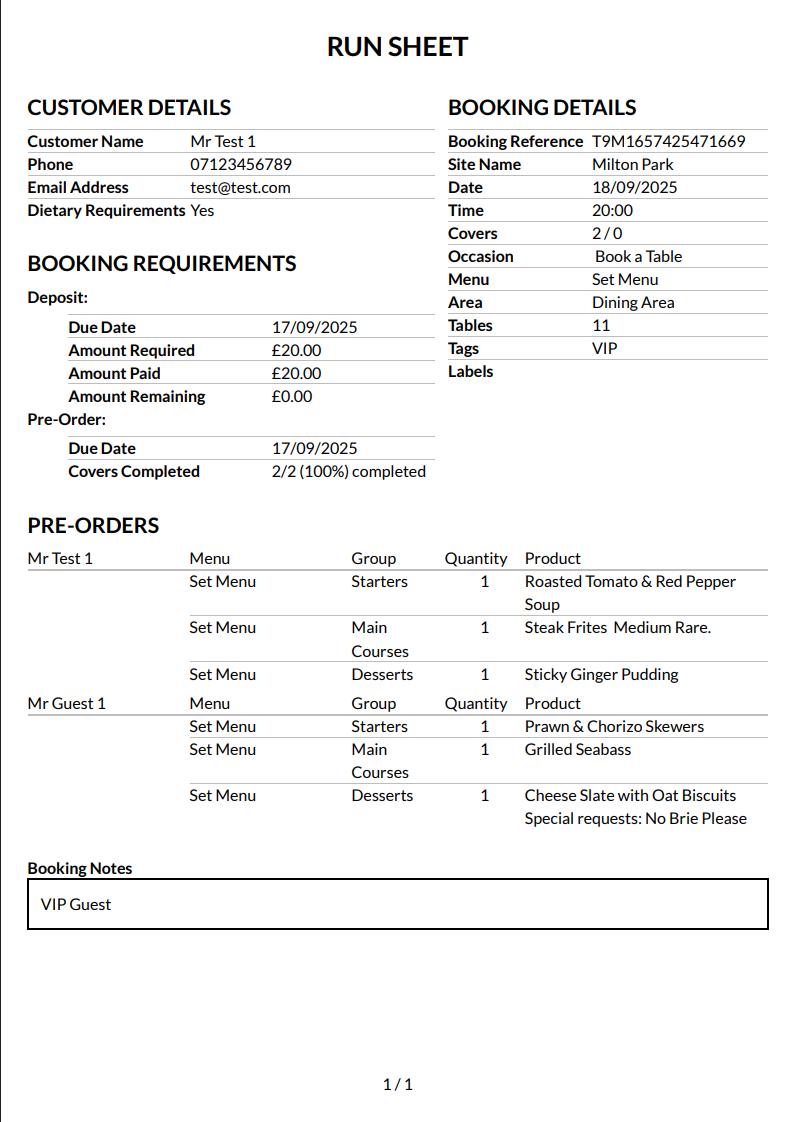
This will generate a PDF report that includes all the relevant information of the Booking / Event
-
Booking Notes and Special Requests are always pre-selected in the optional popup
-
If there is no data for a specific field, then the field is not displayed when generating the run sheet
-
The latest data available for the booking is always used when generating a Run Sheet
-