Machine Collection
When a machine operator attends site the corresponding entries are added into the finance module as a machine collection.
Machine Collection Topics
Adding Machine Collections
Follow these steps to add a machine refill:
| Click Add Machine Collection | Select Machine | Click Next | → | Select Safe | Click Next | → | Select Collection Date | Click Next | |
|
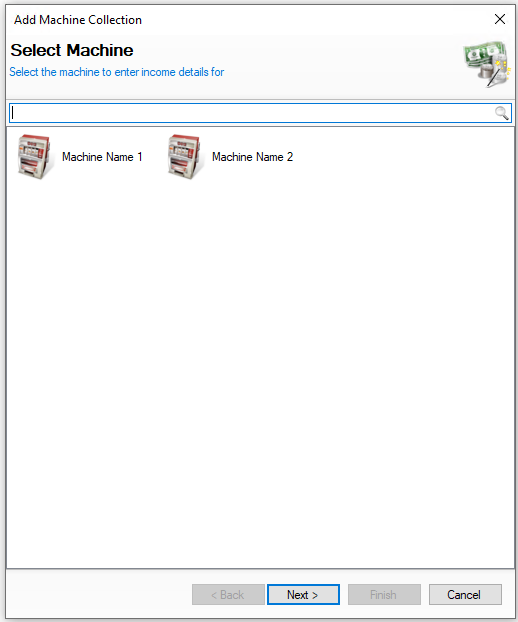
Select the required machine to be collected |
Select the safe the money will be stored in for the collection You will not be shown this step if:
On this step you might:
|
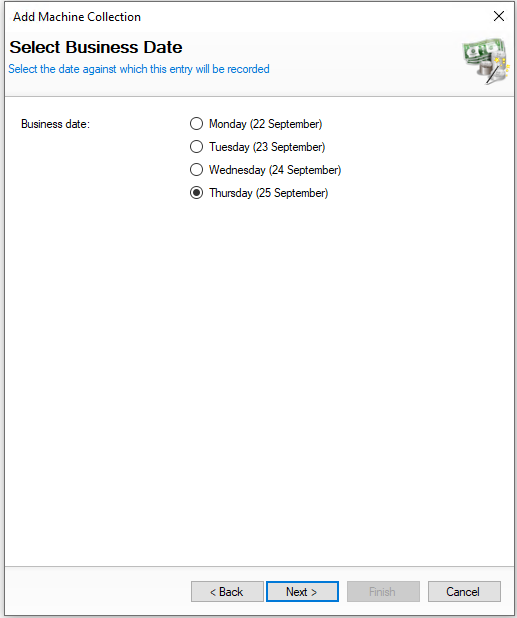
Select the date the collection was completed You will not be shown this step if:
On this step you might:
|
|||
|
|
|
|||
| → | Enter the Collection Reference | Click Next | → | Enter the Amount Collected | Click Next | Enter the Claims Values | Click Next | |
|
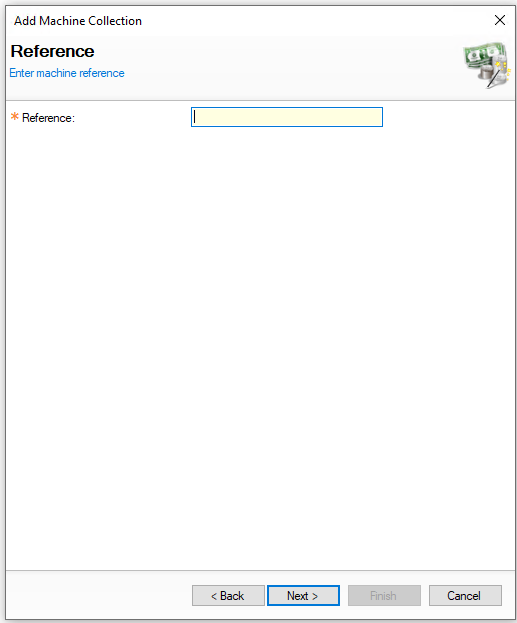
The collection reference is usually taken from meter readings from the machine (this can be determined by your business what reference to enter) On this step you might:
You will not be shown this step if:
|
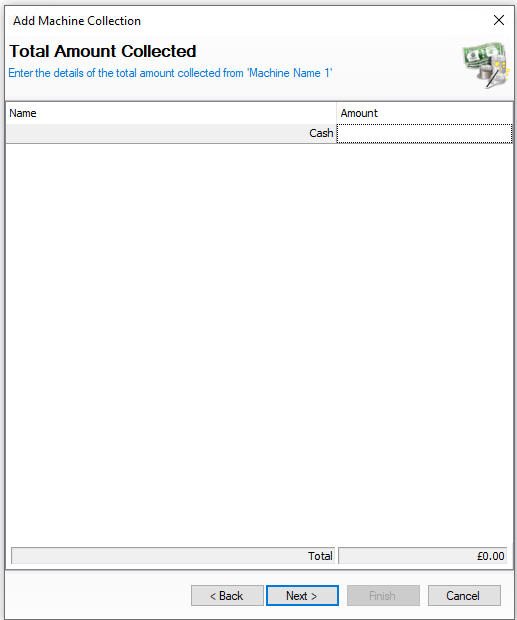
Enter the amount of money collected from the machine On this step you might:
|
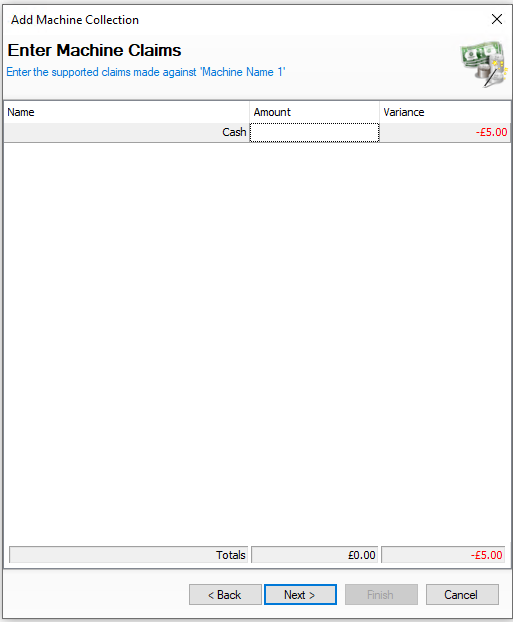
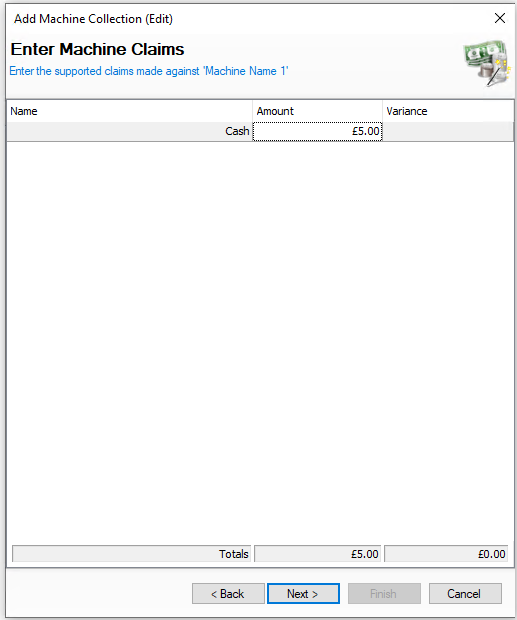
Enter the value of supported claims given by the collector, if they agree and give you the money back enter the value, if the claim was not supported do not enter a value
|
|||
|
|
|
|
|||
| → | Enter the Refilled Amount | Click Finish | ||||
|
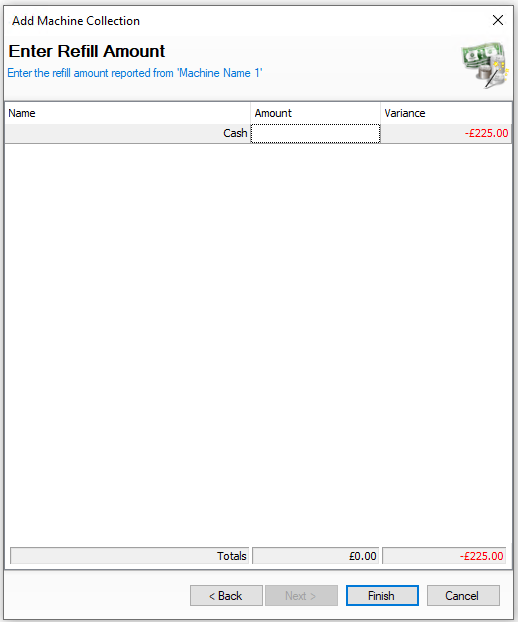
Enter the amount of money refilled to the machine On this step you might:
|
|||||
|

Editing Machine Collections
When selecting machine collections the list of entries are displayed by day and the options available are View | Edit | Delete
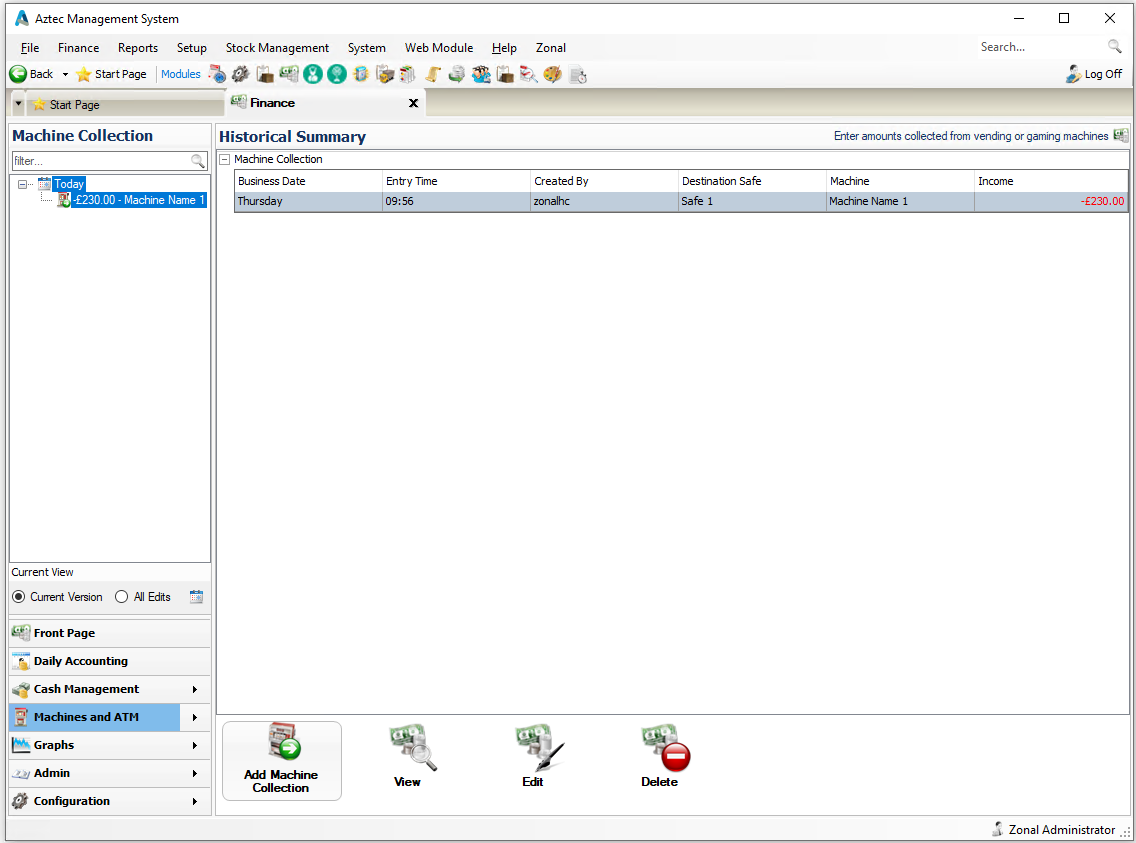
The following rules apply to editing collection:
-
A collection can only be edited if the back of house operator has permission configured against their job role to edit collections
-
When operating with daily sign off only the current days collections can be edited, once a day is signed off the entries for previous days cannot be changed
Select a collection and follow these steps to edit:
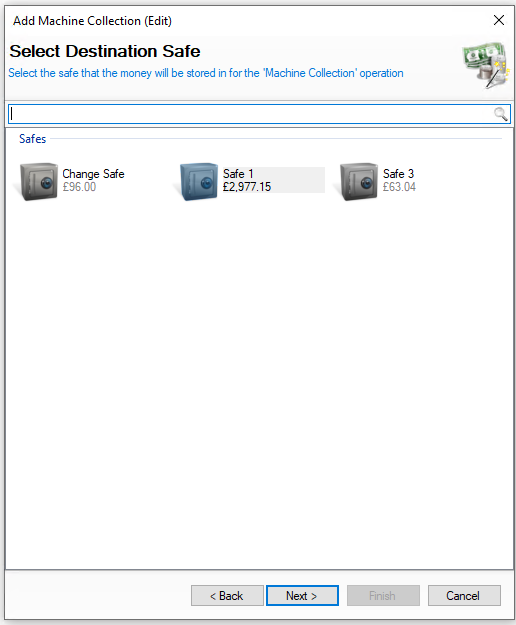
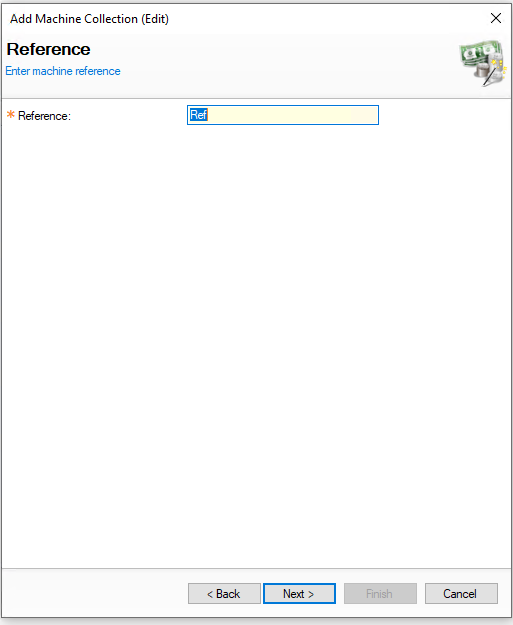
| Click Edit Machine Collection | Click Next | → | Confirm Safe | Click Next | → | Confirm the Collection Reference | Click Next | |
|
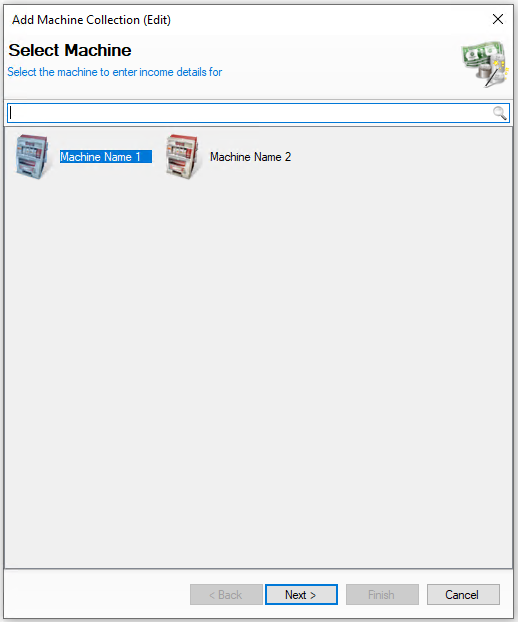
When editing a collection the machine cannot be changed and is just confirmed by clicking next |
Confirm the safe the money will be stored in for the collection You will not be shown this step if:
On this step you might:
|
The collection reference is usually taken from meter readings from the machine (this can be determined by your business what reference to enter) On this step you might:
You will not be shown this step if:
|
|||
|
|
|
|||
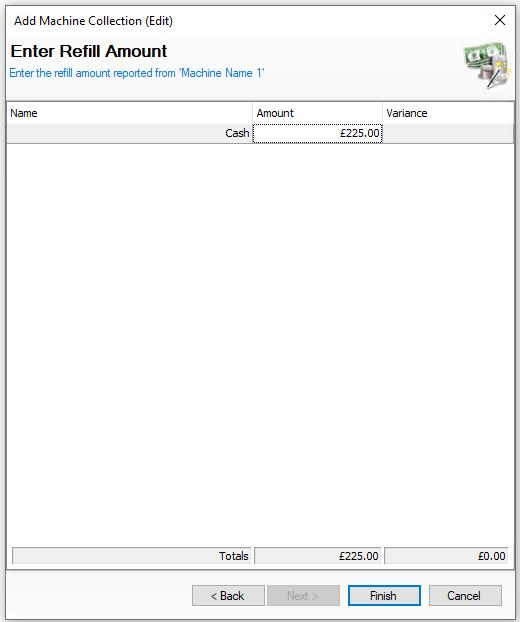
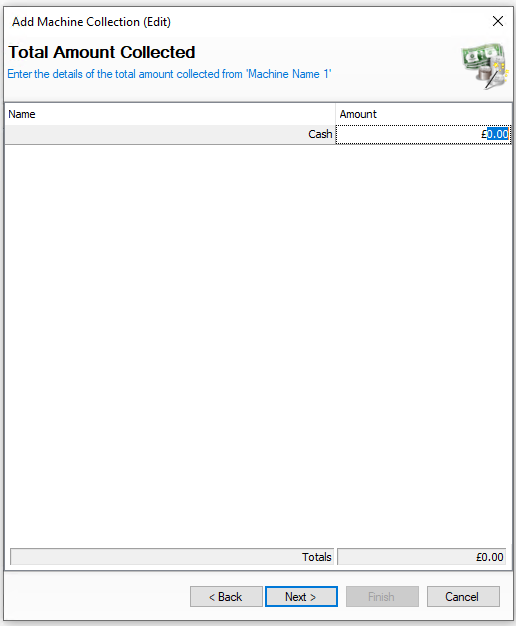
| → | Confirm the Amount Collected | Click Next | → | Confirm the Claims Value | Click Next | Confirm the Refill Amount | Click Finish | |
|
Confirm the amount of money collected from the machine On this step you might:
|
Confirm the value of supported claims given by the collector, if they agree and give you the money back enter the value, if the claim was not supported do not enter a value |
Confirm the amount of money refilled to the machine On this step you might:
|
|||
|
|
|
|
Deleting Machine Collections
When selecting machine collections the list of entries are displayed by day and the options available are View | Edit | Delete
The following rules apply to deleting collections:
-
A collection can only be deleted if the back of house operator has permission configured against their job role to delete collections
-
When operating with daily sign off only the current days refills can be deleted, once a day is signed off the entries for previous days cannot be changed
Select a refill and follow these steps to delete:
-
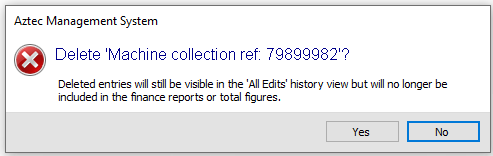
Click Delete
-
Confirm Yes to delete the collection
-
All monies and entries will be reversed to their previous states