Machines
AWP and SWP machines located on site can be managed within the finance module to ensure refills, claims, and collections are properly recorded and controlled. Each machine is configured to allow accurate tracking of these activities.
Machines Topics
Navigate to Finance → Configuration → Machines
Adding Machines
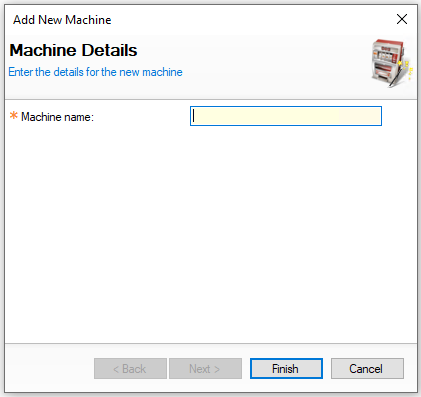
Follow these steps to add machines:
-
Click Add
-
Enter the Machine Name
-
Click Finish
Removing Machines
Care should be taken when removing machines to ensure all related activities are completed before removing a machine
Follow these steps to remove a machine:
-
Select a Machine from the list
-
Click Remove
-
Click Yes to confirm the removal of the machine