Prefixes
Voucher codes always begin with a prefix, which must be configured before you create the codes. Prefixes help define the type of voucher or where it can be redeemed, and are typically just a few characters long. They're also added to Aztec, so the point of sale terminal can recognise a Voucher Manager redemption during the redemption process and check it's accepted at that site.
For more information on managing prefixes in Aztec click here.
Prefix Topics
Adding Prefixes
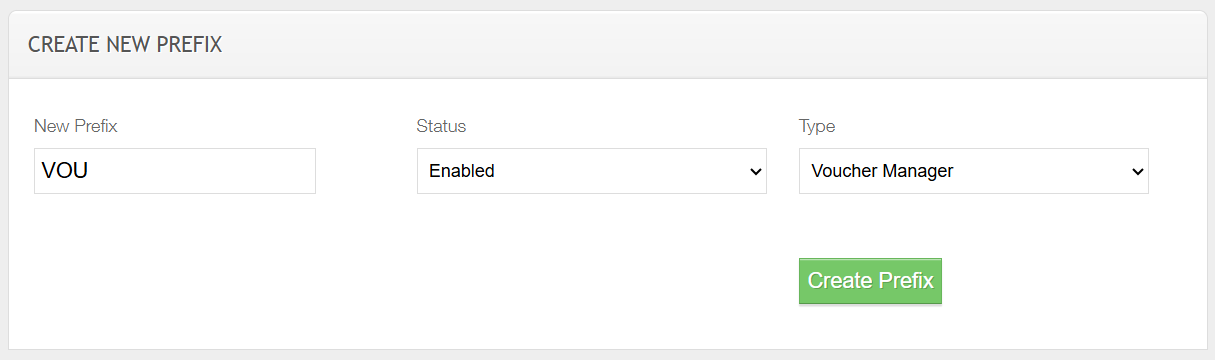
Follow these steps to add a new prefix:
-
Enter the New Prefix
-
Select the required Status (typically Enabled)
-
Select the type Voucher Manager
-
Click Create Prefix
Enabling / Disabling Prefixes
It can be used to perform housekeeping on prefixes, disabling them when no longer needed and re-enabling them later if required, for example, a prefix used for Christmas vouchers could be disabled afterward and re-enabled the following year. Disabled prefixes won't appear for selection when creating voucher code batches.
Follow these steps to enable or disable a prefix:
-
From the Enabled List click Disable
The prefix will automatically move to the disabled section
-
From the Disabled List click Enable
The prefix will automatically move to the enabled section