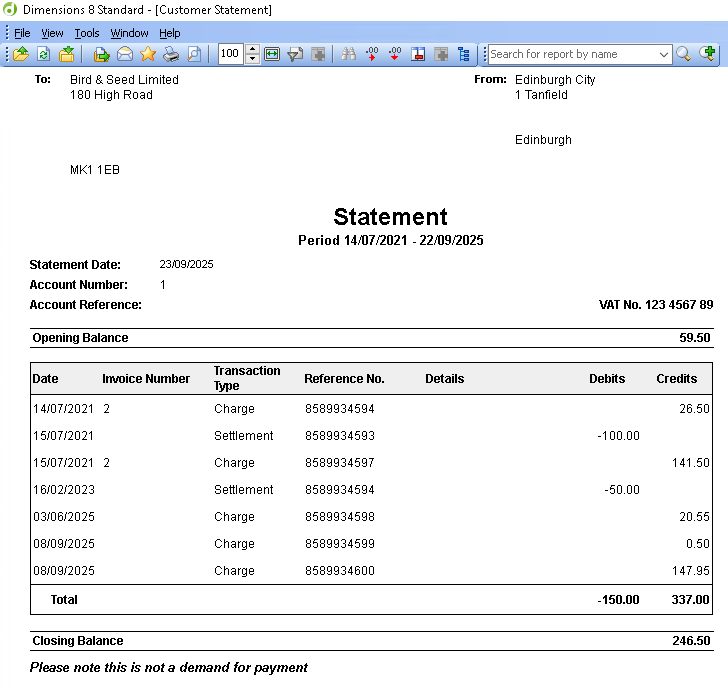
Statements and invoices are usually printed on site, but when using Aztec Head Office they can also be produced centrally.
Statements & Invoices Topics
-
Reprinting Invoices
Issuing Invoices
Follow these steps to issue invoices:
-
Search or select the required level of the estate hierarchy to display a list of accounts
-
Estate - will display all accounts and sites
-
Company - will display all accounts for all sites within the company
-
Area - will display all accounts for sites under that area
-
Site - will display all accounts for the selected site
-
-
Select the required Account
Accounts displayed in red are overdue and on hold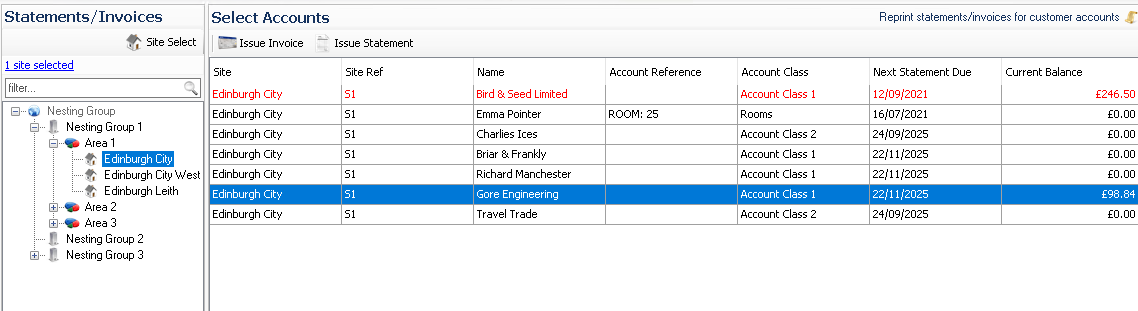
-
Click Issue Invoice
-
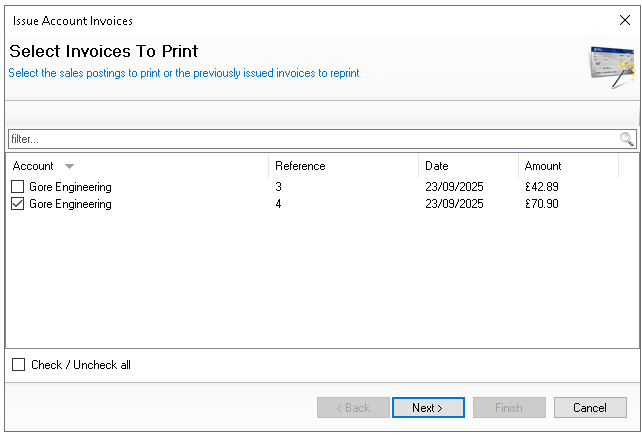
Select the required Invoices to issue| click Next
-
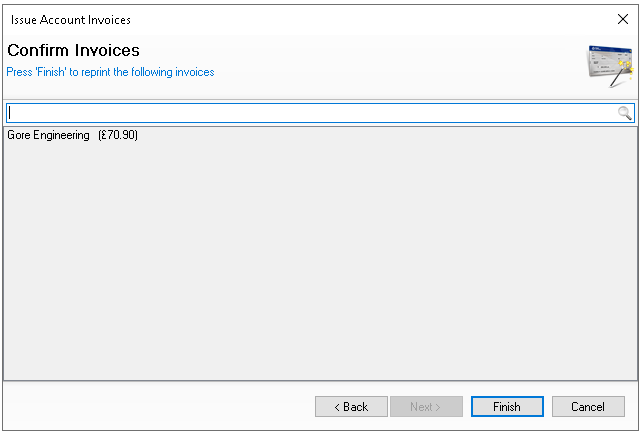
Confirm to proceed by clicking Finish
-
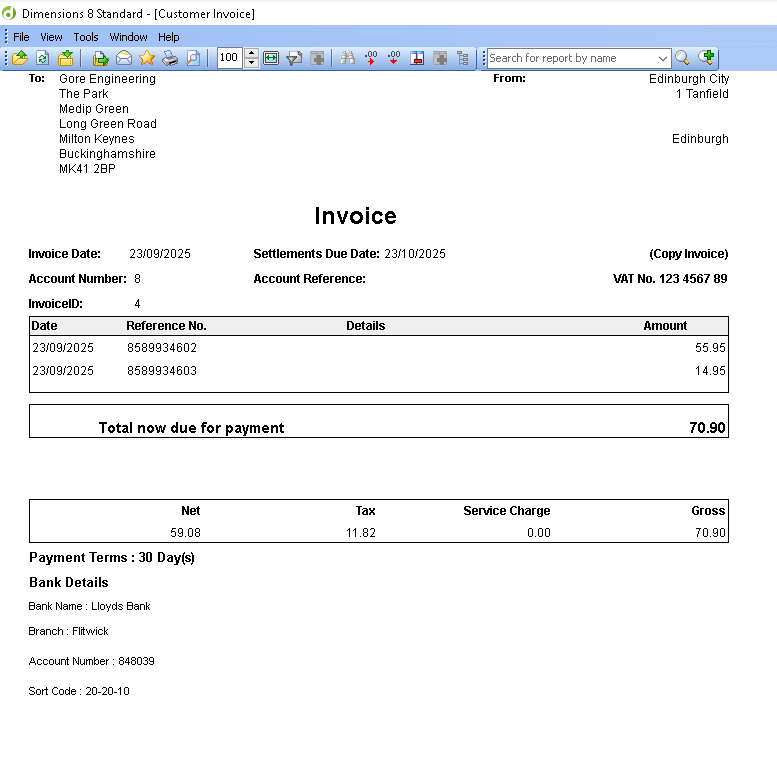
Print or Export the Invoice generated from Reports as required
Issuing Statements
Follow these steps to issue statements:
-
Search or select the required level of the estate hierarchy to display a list of accounts
-
Estate - will display all accounts and sites
-
Company - will display all accounts for all sites within the company
-
Area - will display all accounts for sites under that area
-
Site - will display all accounts for the selected site
-
-
Select the required Account
Accounts displayed in red are overdue and on hold -
Click Issue Statement
-
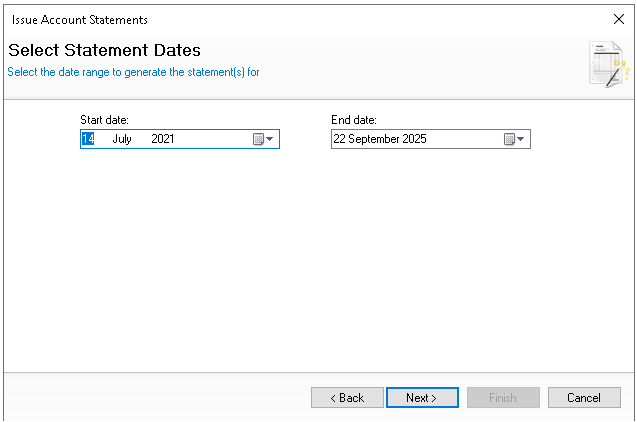
Select the required Statement Period - Start and End Date to issue | click Next
-
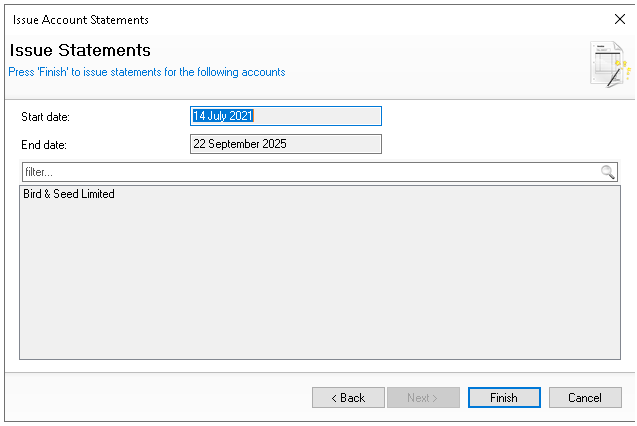
Confirm to proceed by clicking Finish
-
Print or Export the Statement generated from Reports as required