Recipe Cards & Item Spec Images
Kitchen iQ can display two types of services information to aid accurate item preparation and service:
• Recipe Cards - a full-screen document (PDF, PNG, or JPG) that kitchen staff open on demand to see preparation instructions, ingredients, plating notes, or allergen information for a specific item
• Spec Images - a strip of dish photos that appears automatically next to the currently selected order on station configured with panel view, so a visual check can be made to ensure that the item matches with the overall dish specification and plating guide
Recipe Card & Item Spec Images Topics
Setup
When this functionality has been enabled by Zonal additional settings will be displayed within Kitchen iQ Configurations.
Recipe Cards
Follow these steps to enable recipe cards to be displayed:
-
Enable the Show Recipe Cards check box
-
Click Save
Spec Images
Follow these steps to enable spec images to be displayed:
-
Select the required Channel for the images to be displayed on
-
From the View Settings select the Show Spec Images check box
-
This setting is only available on Panel View
-
This can be enabled on any Channel with Panel View
-
-
Click Save
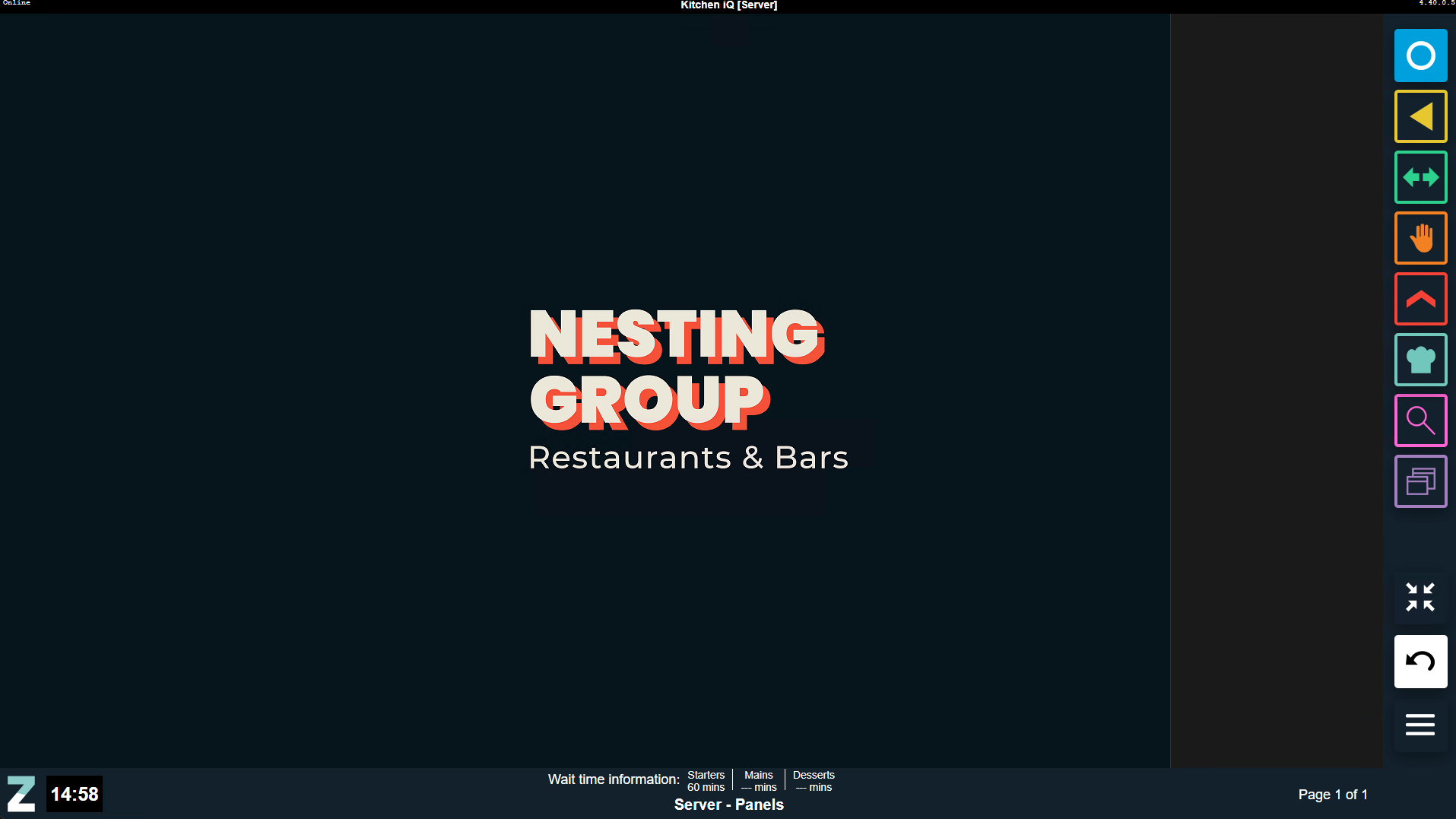
When the configuration updates any channels with this view will now display a grey bar on the right of the screen
File Types & Deployment
Recipe Cards
Recipe cards are accepted in 3 file formats, and should have the correct name and added to the correct storage location on the Kitchen iQ local site server to be viewed on a screen.
| File Formats & Size | Name Format | Storage Location |
|---|---|---|
|
The following formats are accepted:
PDFs:
The recommended size option for images:
|
Aztec Entity Code, for example 10000000114. PDF 10000000114.JPG 10000000114.PNG |
C:\Program Files\Zonal\Kitchen iQ Server\RecipeCards |
Spec Images
Spec images are accepted in 2 file formats, and should have the correct name and added to the correct storage location on the Kitchen iQ local site server to be viewed on a screen.
| File Formats & Size | Name Format | Storage Location |
|---|---|---|
|
The following formats are accepted:
The recommended size option for images:
|
Aztec Entity Code, for example 10000000114.JPG 10000000114.PNG |
C:\Program Files\Zonal\Kitchen iQ Server\SpecImages |
Updating Files
PDFs or Image files can be updated at any time even during normal service times and only requires files to be added / updated or removed for them storage location.
-
New files added will become available immediately
-
Files overridden will become available immediately and the next view / display of the file will be shown with the updated version
-
Files can be deleted at any time and will fall back to a place holder view where no content is available
Viewing Recipe Cards & Spec Images
For more information on viewing recipe cards click here and for spec images here.