As part of onsite operations, some organisations are required by licensing regulations and due diligence procedures to record service checks through the point of sale. Creating specific products to capture this information provides a simple and effective way to manage, record, and report on service related data.
Service Checks Topics
Product Setup
-
Add a new recipe for each of the refusal of service types for example Intoxicated / Under Age / No ID
Zonal recommends that this is assigned to a separate subcategory belonging to a service related activities, click here for more information on managing the product structure -
Set the Print Stream to No Printing
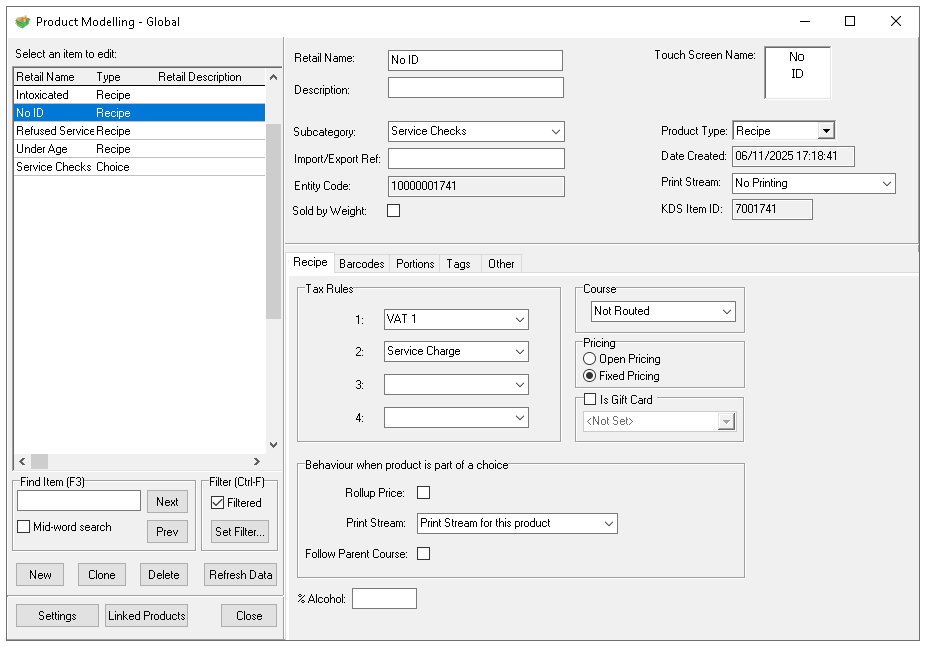
-
Optionally these products could be added to a choice and one button used on the point of sale to capture service checks
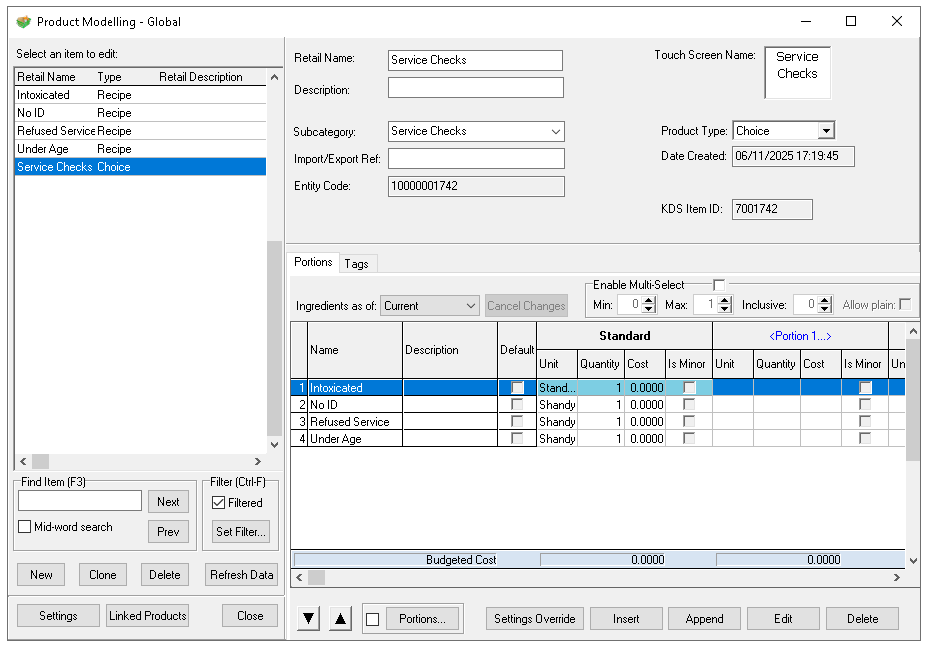
Other Settings
Pricing
-
Set the price of the service check products to be 0.00
If a new subcategory was created ensure that the sales area banding assignment is completed
Theme Settings
Zonal recommends adding the service checks to the root panel so that they are easily available for all POS operators to access, alternatively the can be added to any other part of the theme design.
-
Add the products to the Root panel