Login & Navigation
To begin, log into Zonal delivery using your credentials – these will have been sent to you as part of the onboarding process.
If you are having any issues logging in, select Can’t Log in? from the login page which will assist you in recovering your account
Once logged in, you will see the dashboard as in the image below; some further explanations follow:
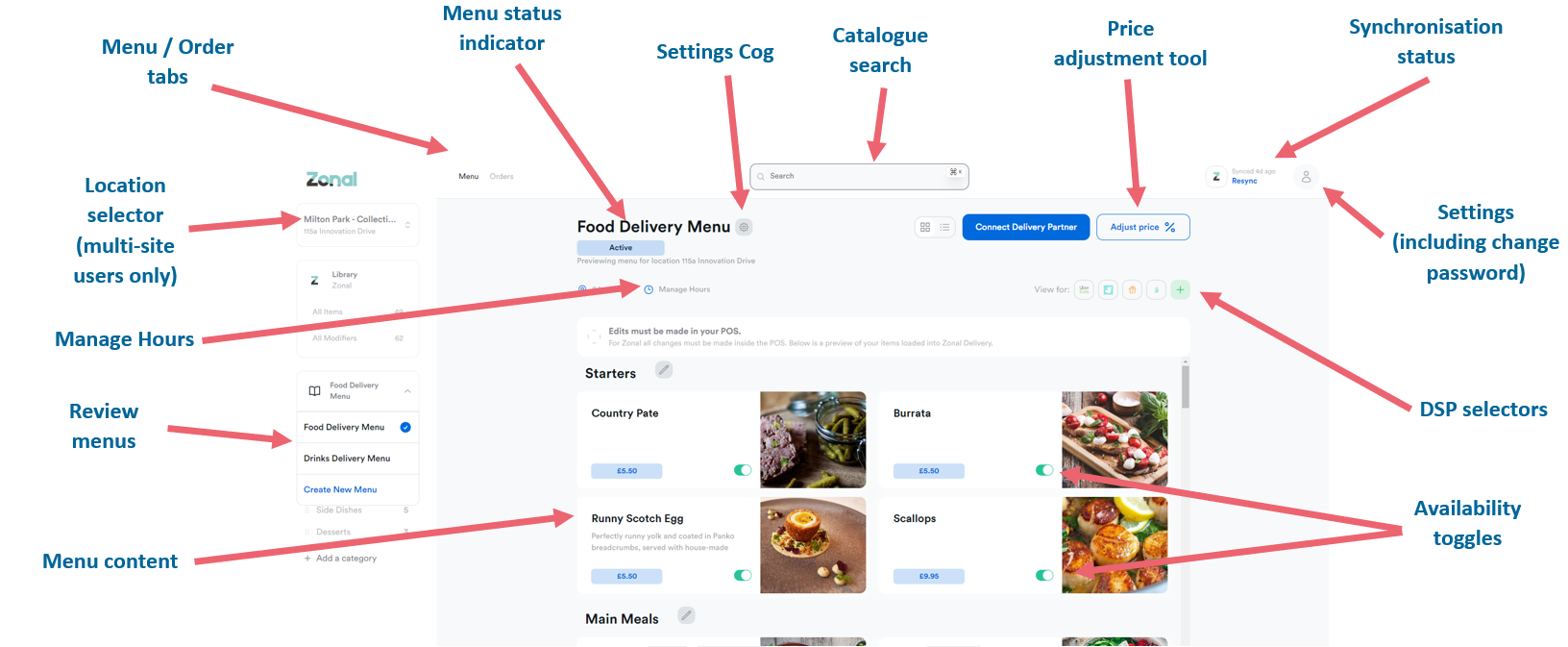
You can click on the Zonal logo in the top left corner to return to the dashboard from anywhere in the platform
| Section / Area | Description |
|---|---|
|
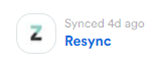
Synchronisation Status: Click Resync to refresh the connection to Aztec. If any errors are displayed here, please contact the Zonal Helpcentre or your usual Zonal representative. |
|
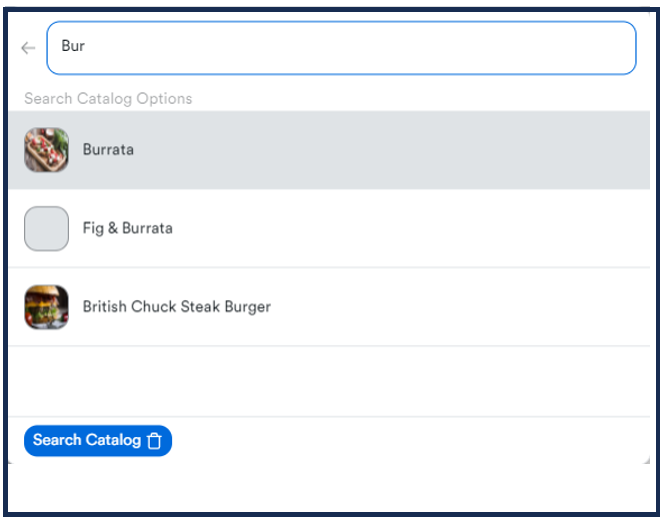
Catalogue search can be used to search for items on a menu that is active on the platform |

|
Settings allows you to reset your login credentials, to change your password and to access an audit trail of actions completed on the Zonal Delivery platform |
|
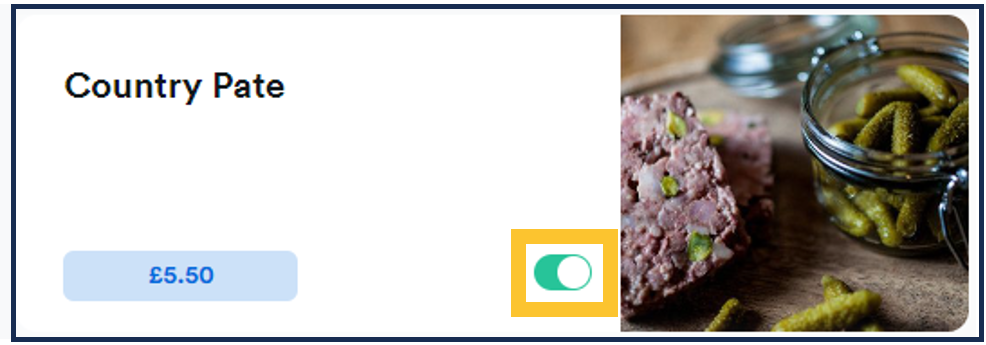
Availability Toggles allow you to remove the visibility of items on a menu in case you have run out of a particular product. |