Order Builder - Creating an Order for the Future
Create a Delayed Order
-
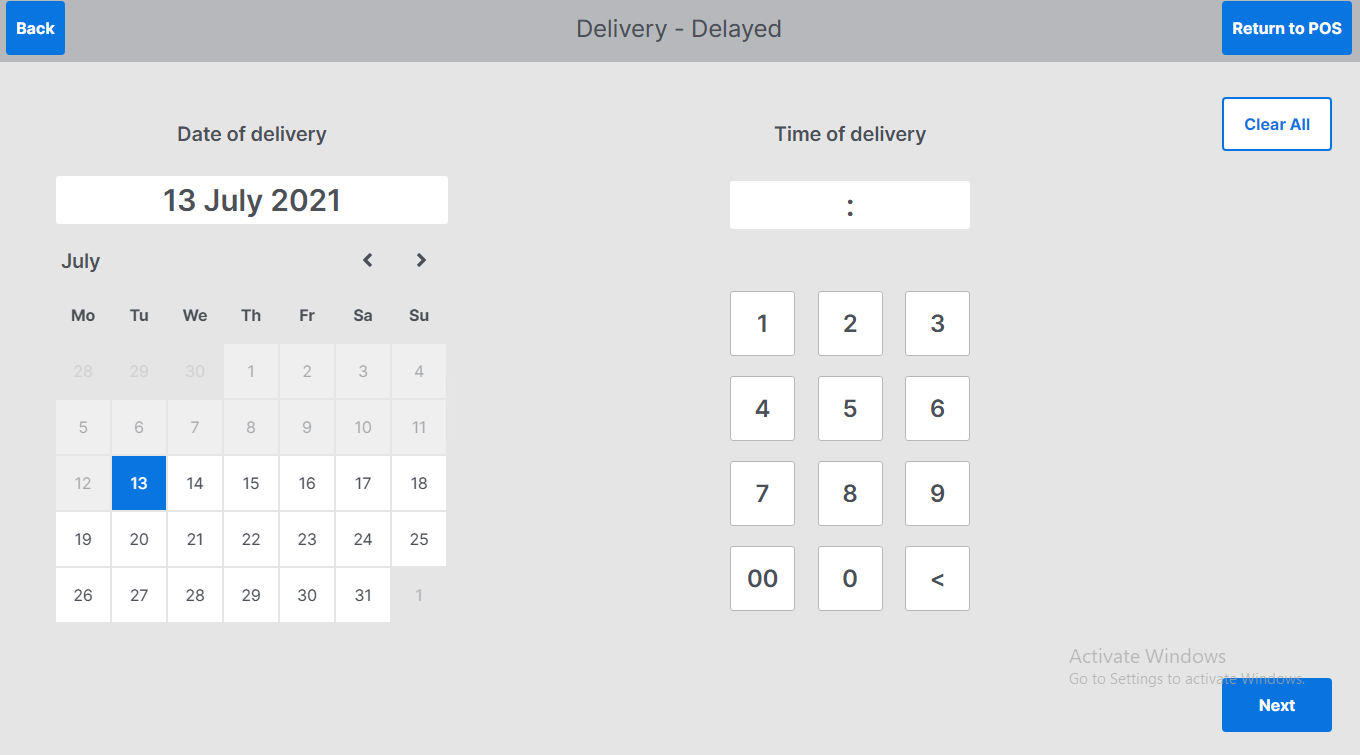
Select today as the date of delivery – this will always default to today’s date
-
Enter time of delivery using the keyboard – this is in 24-hour clock format
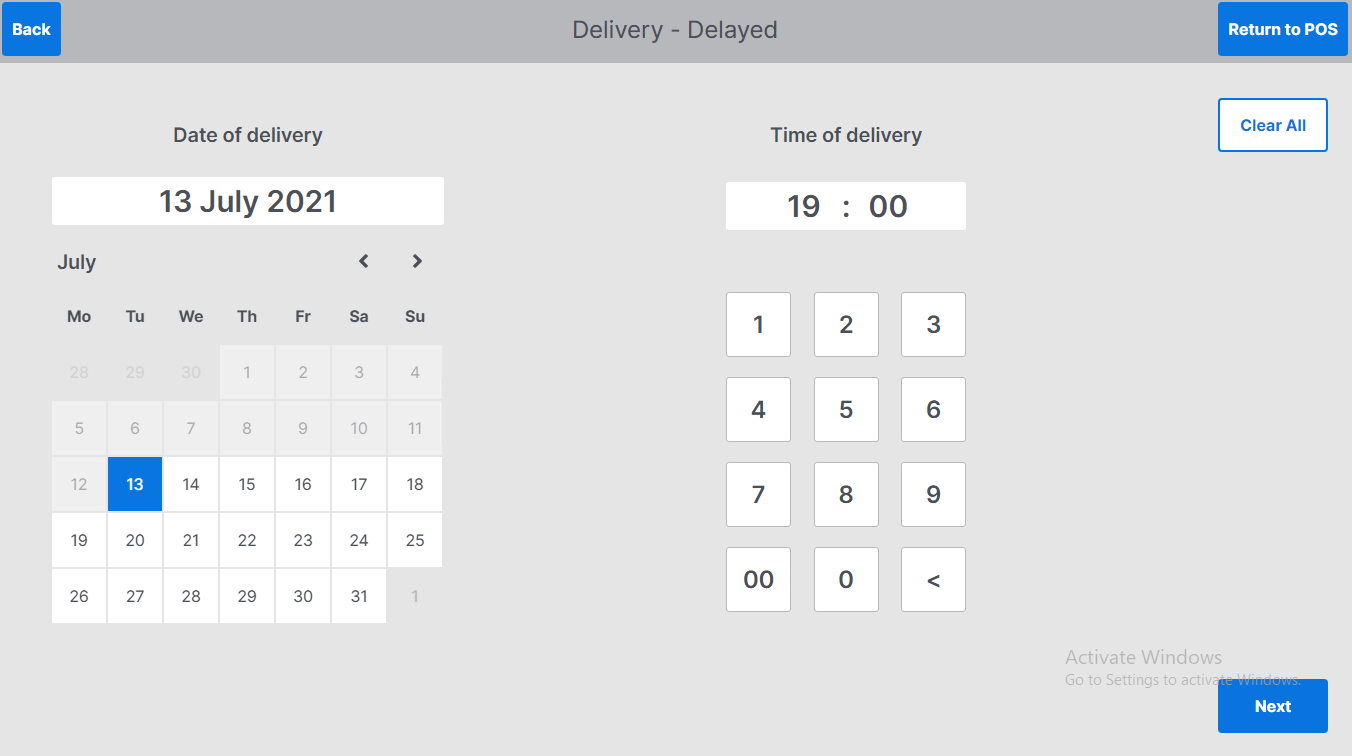
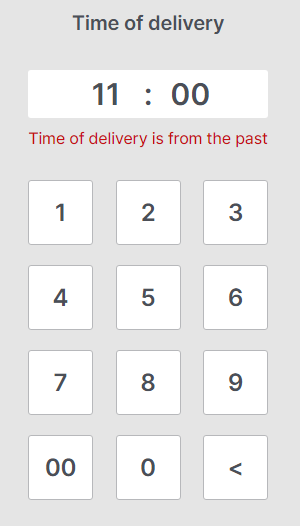
If the time of order is in the past, the following error will be displayed, tcorrect time, use the backspace button
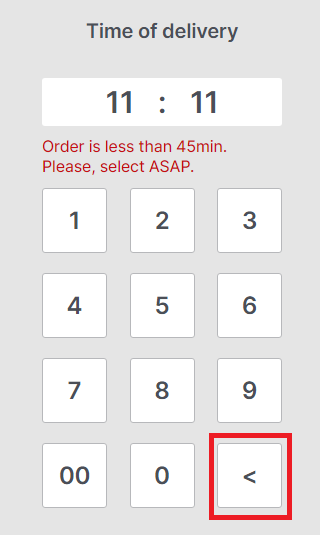
If the order is less than the minimum time allowed for ordering, the following error will be displayed
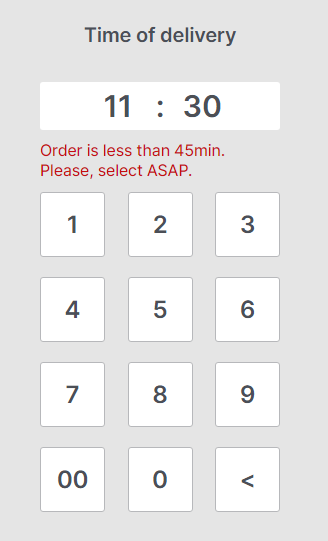
-
Select back to return to order screen and select ASAP order
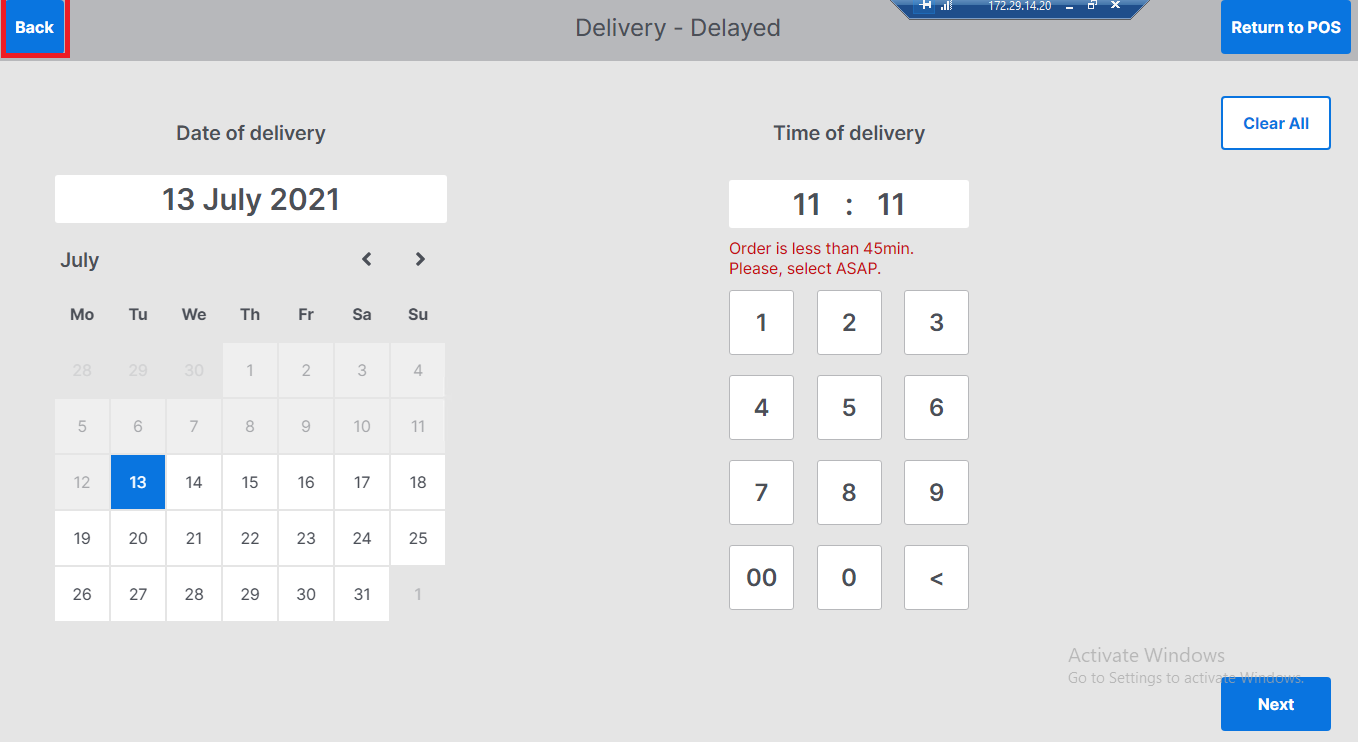
-
To reset date to today’s date and delete entered time select Clear All
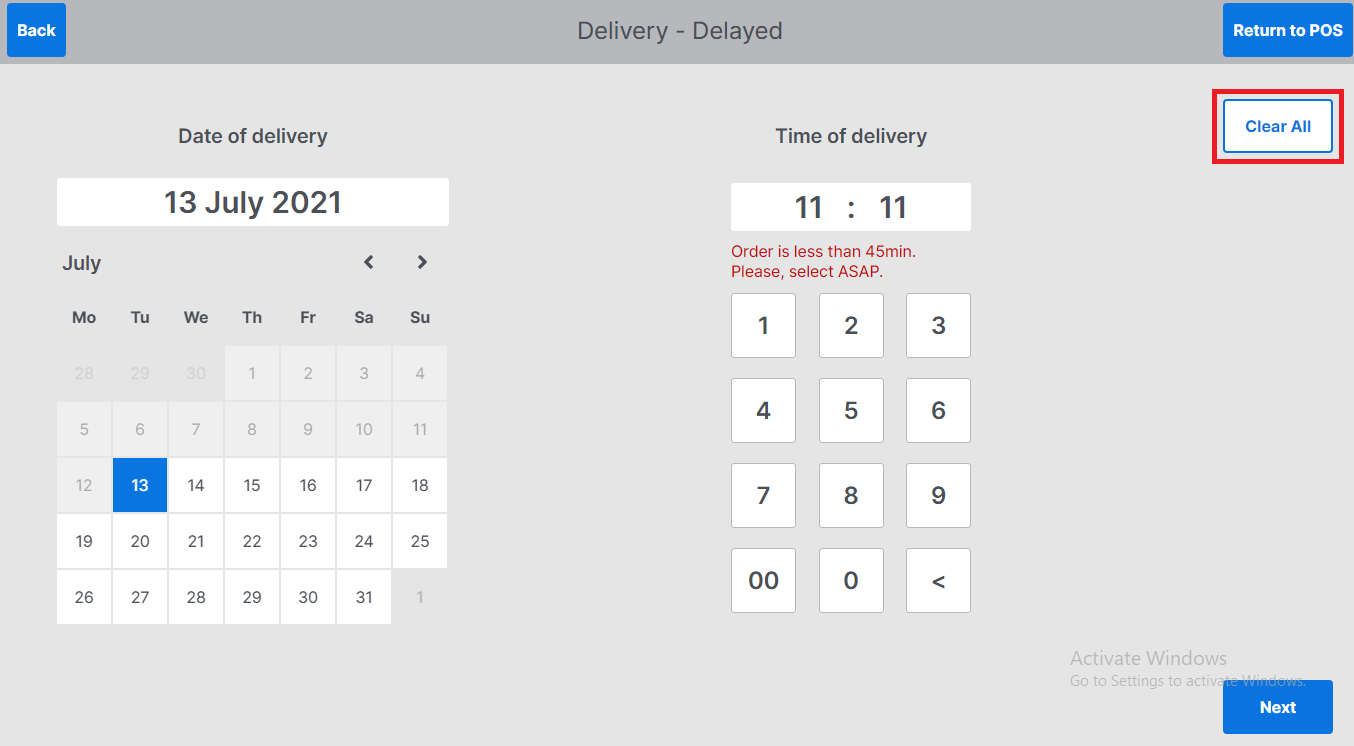
Creating a Future Order
-
Select the date and time of the future order
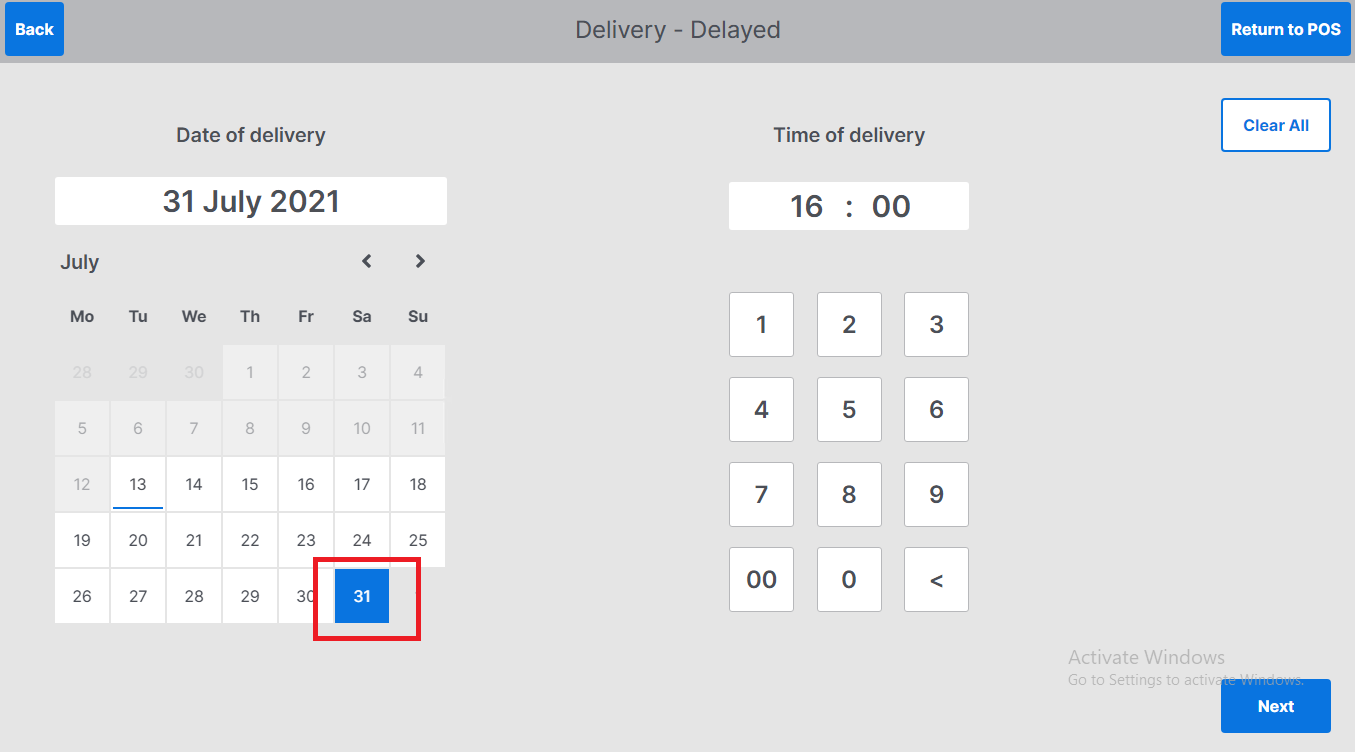
-
Select Next to proceed to the order screen