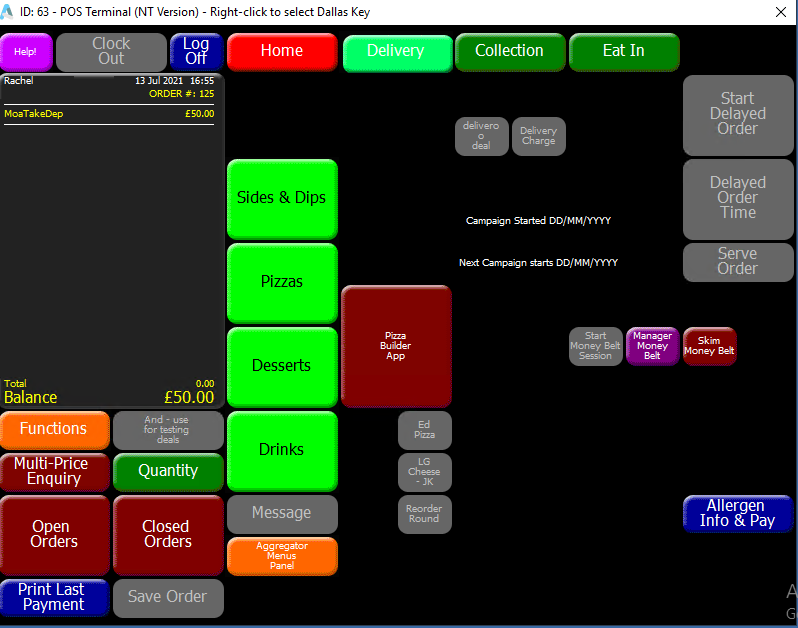
Order Builder - Completing an Order
Standard & Delayed Order
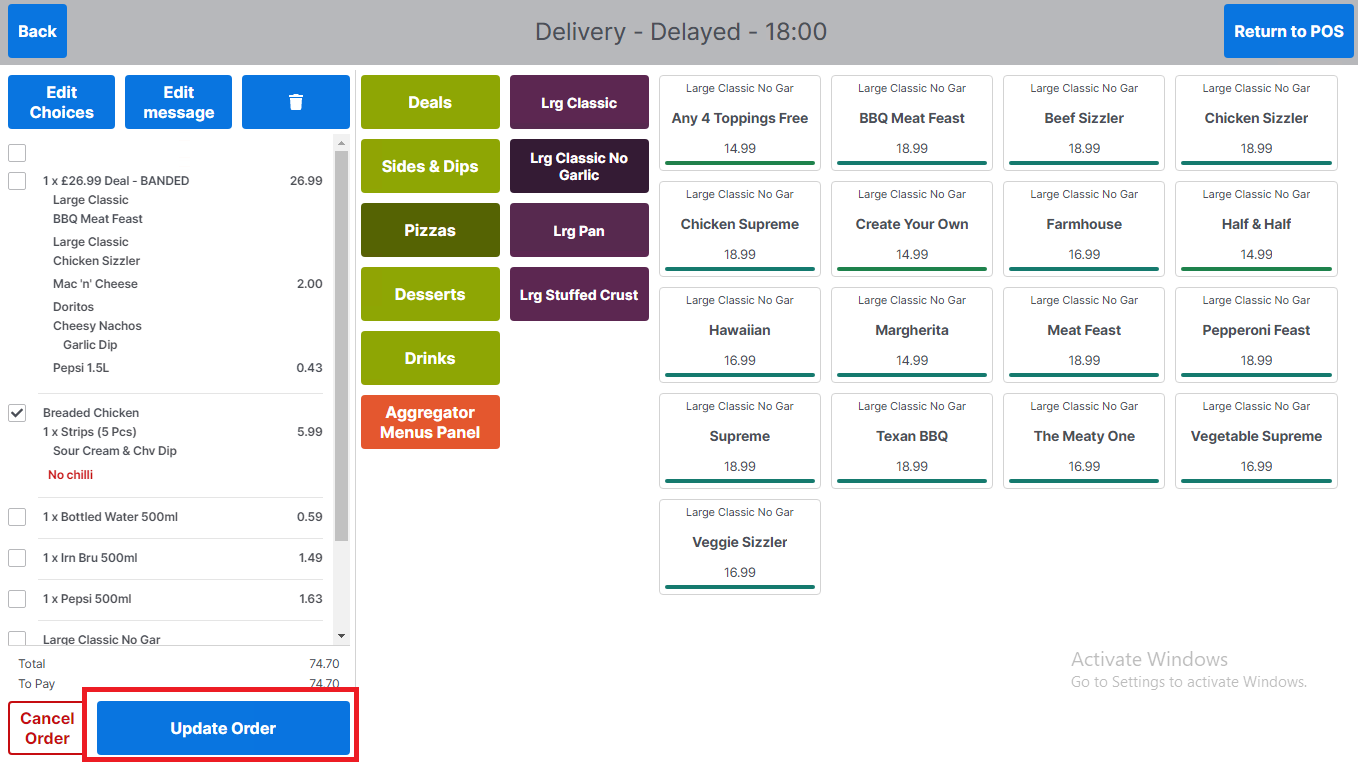
To allow the order to be fulfilled the order has to be sent to the POS so that payment can be taken, and the order details can be sent to Dragontail.
-
Select Update Order
-
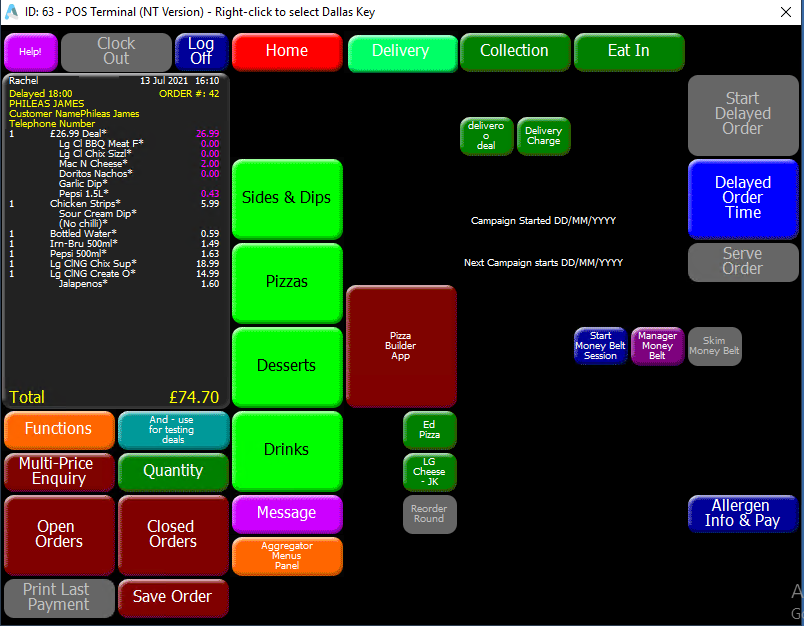
The operator will be returned to the POS to complete payment
Future Orders
Orders that are placed for a future date and time are created in the same way as an ASAP or delayed order however, they support the ability to pay a deposit or full balance of the account at the time future order is placed.
-
Create the order
-
Select Update Order
-
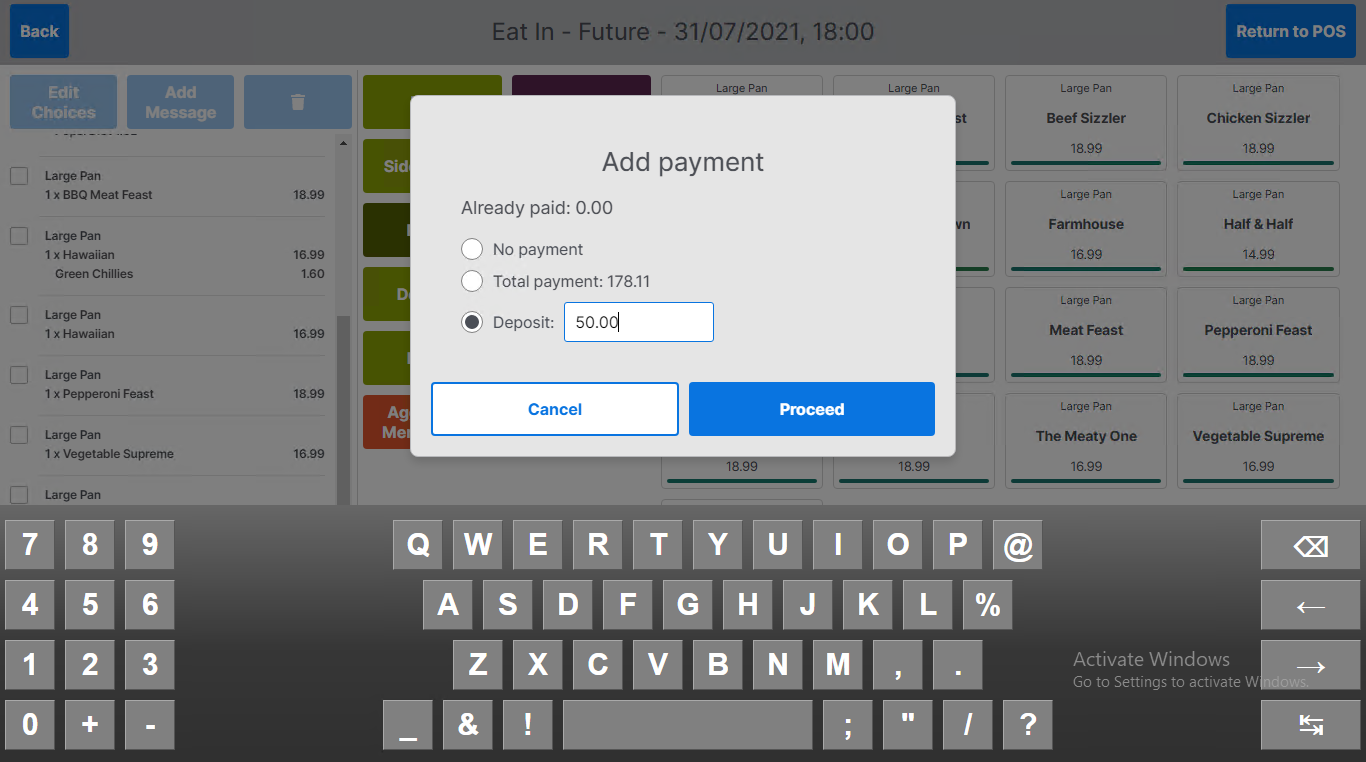
The operator will be presented with an Add Payment prompt
-
The user can select no payment
-
The user can select total payment which will be for the total basket amount minus any previous amounts paid on the account – indicated by already paid
-
The user can enter a deposit amount using the keyboard
-
-
Select Proceed to save future order and return to the POS
-
If the operator has selected a payment amount for the future order, the payment amount will be displayed on the POS so that payment can be taken